更多工具
適用對象
執行營運控制的經理和授權員工。
開始前
- 您已登入並具備所需的角色權限
- 門店政策允許在這部終端上使用經理工具
- 您的 POS 使用者群組包含該工具權限,或現場有經理可授權
此畫面用途
更多工具 是經理營運控制中心。
範圍界線
更多工具 只用於經理營運控制(Day-end、Pay In / Pay Out、錢箱 / 佇列工具)。
如需硬件 / 裝置設定和印表機疑難排解,請使用 Devices。
可用工具
Open DrawerDay-endPay In / Pay Out訂位(如已啟用原生訂位)Reset Table Counters(只限 quick-order 模式)Pickup Controller(如已啟用)Queue Controller(如已啟用)
步驟
- 按
More Tools。 - 選擇所需工具卡。
- 完成該工具的確認流程。
- 如果 POS 要求
輸入授權員工編號,請已授權經理或員工輸入自己的代碼。
您會看到
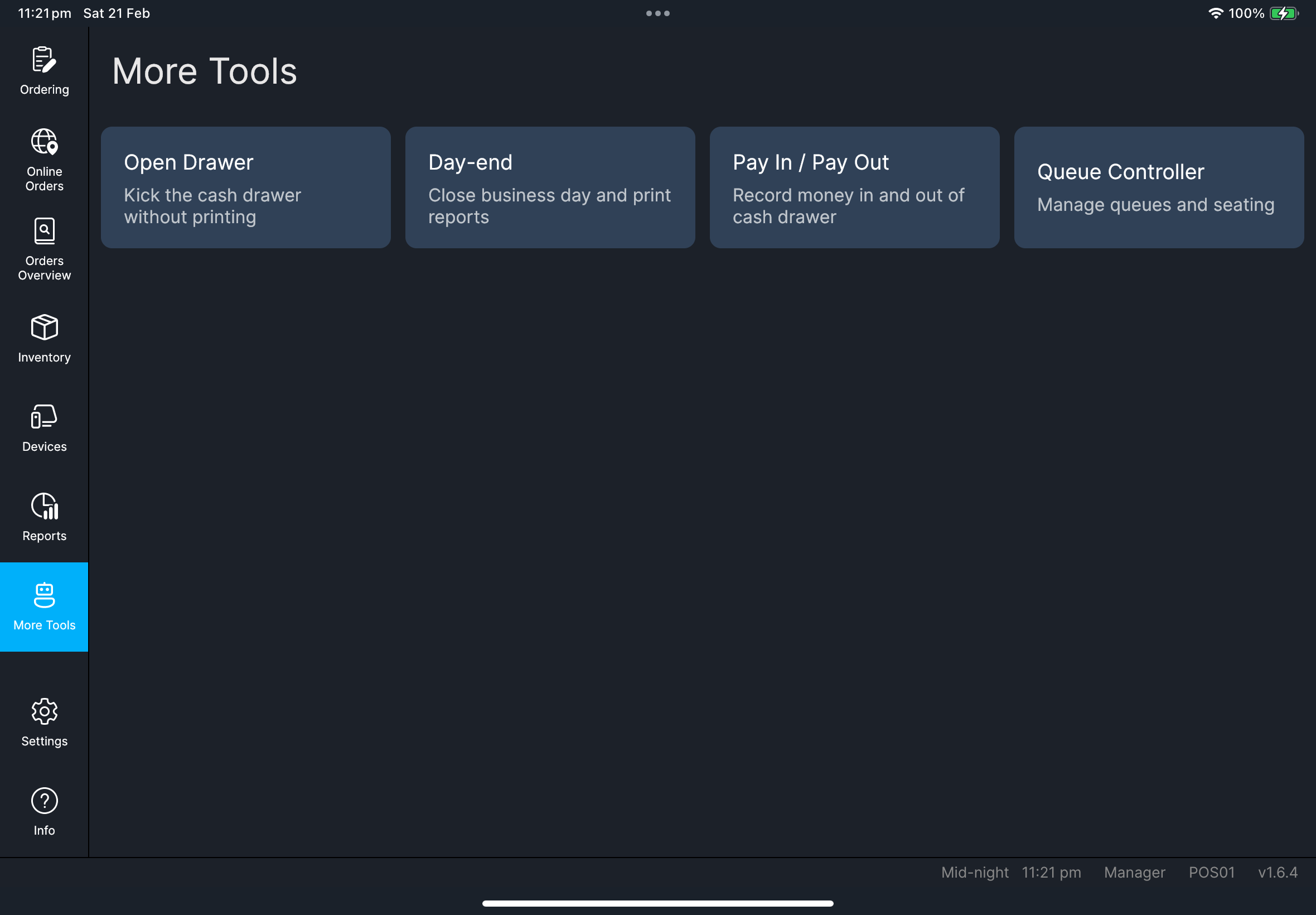
如果出現問題
找不到卡片
部分工具取決於角色、平台或設定。
權限不足您的 POS 使用者群組不允許該操作。請經理/管理員在 HQ POS Users 檢查您的群組。
何時需要找經理/管理員
- 角色權限阻擋工具存取
- quick-order / pickup / queue 控制與門店設定不符