日結
僅限經理
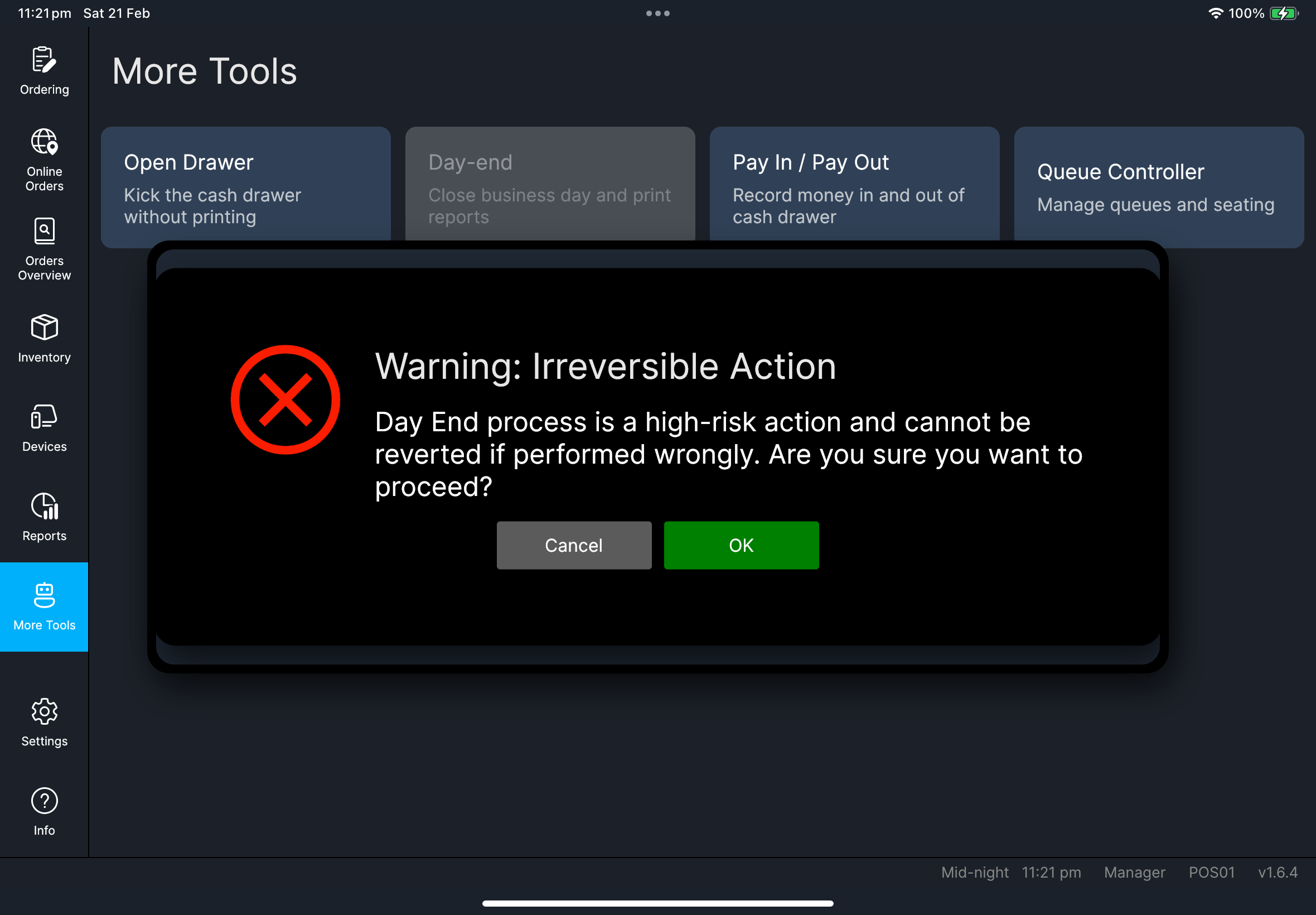
日結不可逆轉,只應由經理角色執行。
開始前
- 所有進行中的訂單已處理完畢
- 沒有付款仍處於不明確狀態
Settings->Report已設定為門店需要列印的日結區塊
步驟
- 開啟
More Tools。 - 按
Day-end。
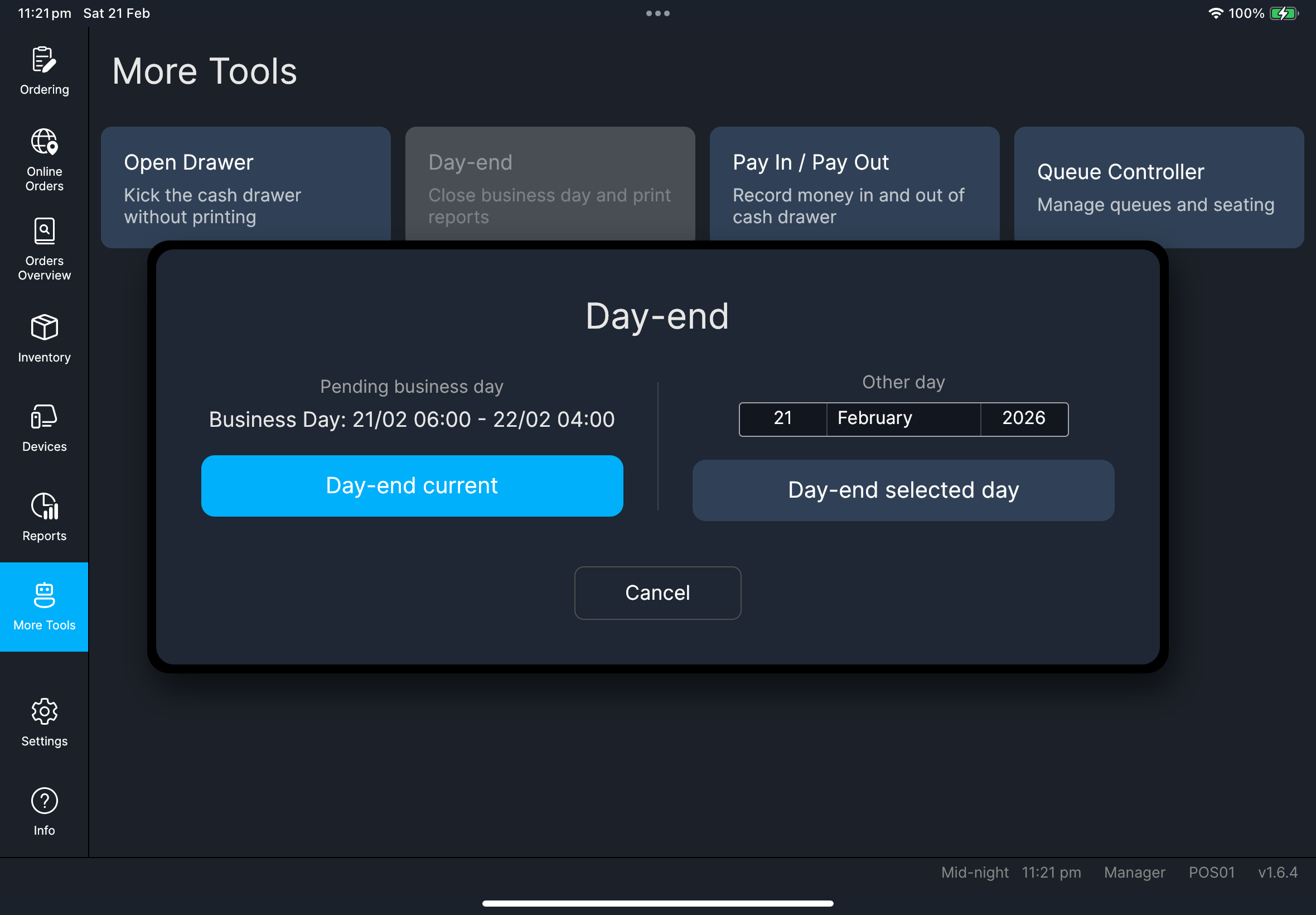
- 日結目前
- 日結指定日
- 按
Day-end current。 - 確認警告提示。
- 等待完成。
- 選擇目標日期。
- 按
Day-end selected day。 - 確認警告提示。
- 等待完成。
指定日行為
報表現在會正確使用您選取的營業日期。 如果該日期已做過日結,應用程式會阻止重複處理。
列印報表內容
列印的日結報表會跟隨 Settings -> Report -> Daily Report Sections。
如果列印內容缺少某一區塊,請先檢查該設定,再處理下一個營業日。
您會看到
如果出現問題
無法繼續
請先重新檢查營業日期和未完成交易,再重試。
Day-end has already been processed for the selected day請選擇其他日期,或改為查看該日已有的日結報表。
列印報表缺少區塊
請到 Settings -> Report 檢查 Daily Report Sections 和 Show advanced sections,然後在下一次日結前套用正確設定。
何時需要找管理員
- 營業日期看起來不正確
- 經理檢查後,日結驗證仍然被阻止
- 指定日期的日結結果與預期營業額不一致