日结
仅限经理
日结不可撤销,只能由经理角色执行。
开始前
- 所有未完成订单都已处理完毕。
- 没有付款处于不确定状态。
设置->报表已设定为打印门店需要的日结区段。
步骤
- 打开
更多工具。 - 点按
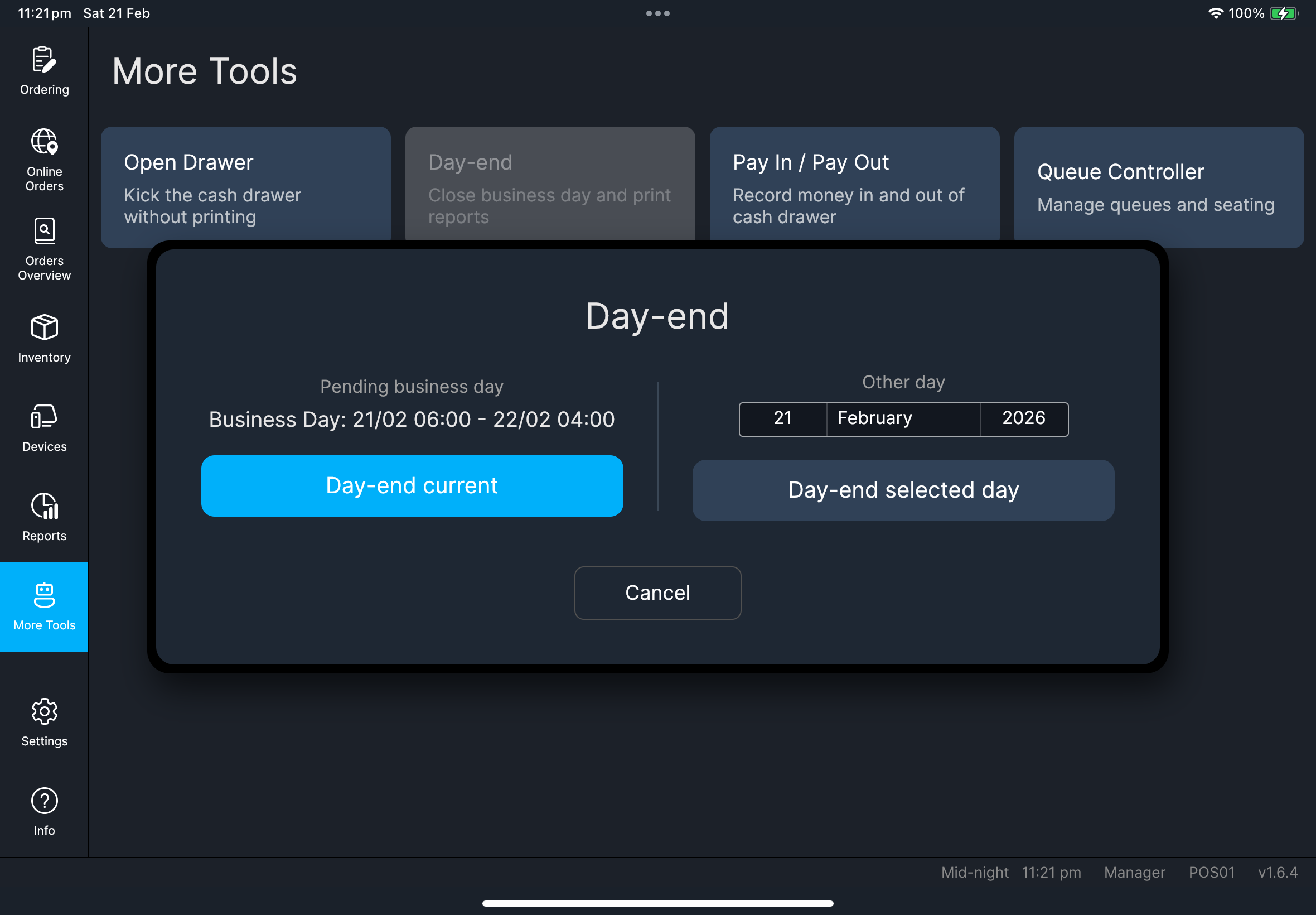
日结。
- 当前日结
- 选定日期日结
- 点按
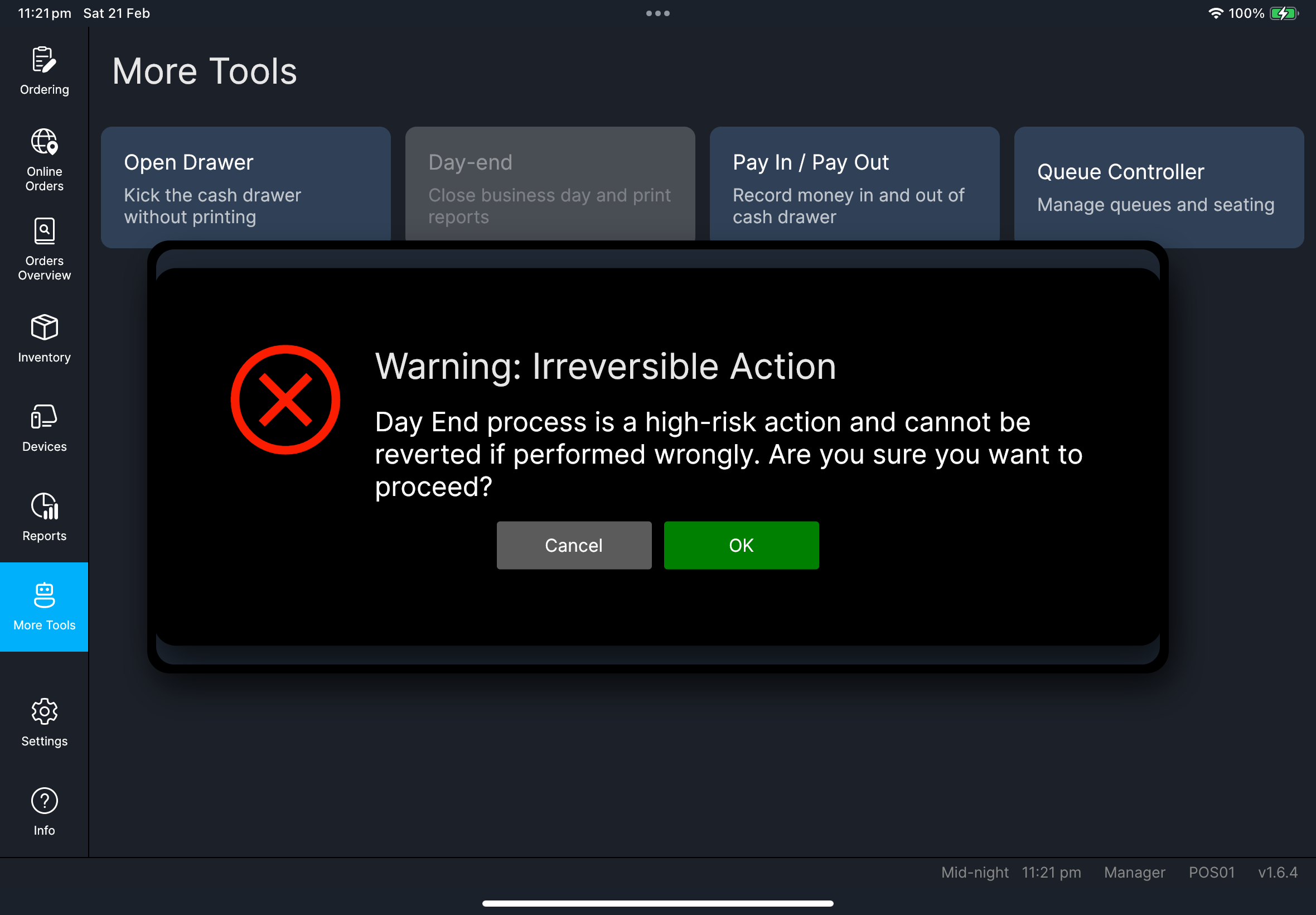
当前日结。 - 确认警告提示。
- 等待完成。
- 选择目标日期。
- 点按
选定日期日结。 - 确认警告提示。
- 等待完成。
选定日期行为
报表现在会正确使用所选营业日。
如果该日期已经完成日结,应用会阻止重复处理。
打印报表内容
打印的日结报表会遵循 设置 -> 报表 -> 日结报表 的设定。
如果打印结果缺少某个区段,请在下一个营业日结束前先检查该设置。
你应该看到什么
如果出现问题
无法继续
请重新确认营业日期和未完成交易,然后再重试。
选定日期已完成日结请选择其他日期,或者查看该日期已有的日结报表。
打印报表缺少区段
请检查 设置 -> 报表,尤其是 日结报表 和 显示进阶部分,然后在下次日结前使用修正后的设置。
何时需要找管理员
- 营业日期看起来不正确。
- 经理检查后,日结验证仍然被阻止。
- 所选日期的日结结果与预期营业额不一致。