Day-end
Manager only
Day-end is irreversible and should be performed by manager role only.
Before you start
- All active orders are resolved
- No payment is left in uncertain state
Settings->Reportis set to print the day-end sections your store needs
Steps
- Open
More Tools. - Tap
Day-end.
- Day-end current
- Day-end selected day
- Tap
Day-end current. - Confirm warning prompt.
- Wait for completion.
- Select the target date.
- Tap
Day-end selected day. - Confirm warning prompt.
- Wait for completion.
Selected-day behavior
The report now uses the selected business date correctly.
If that date was already day-ended, the app blocks duplicate processing.
Printed report content
The printed day-end report follows Settings -> Report -> Daily Report Sections.
If a section is missing from the printout, review that setting before the next business day closes.
What you should see
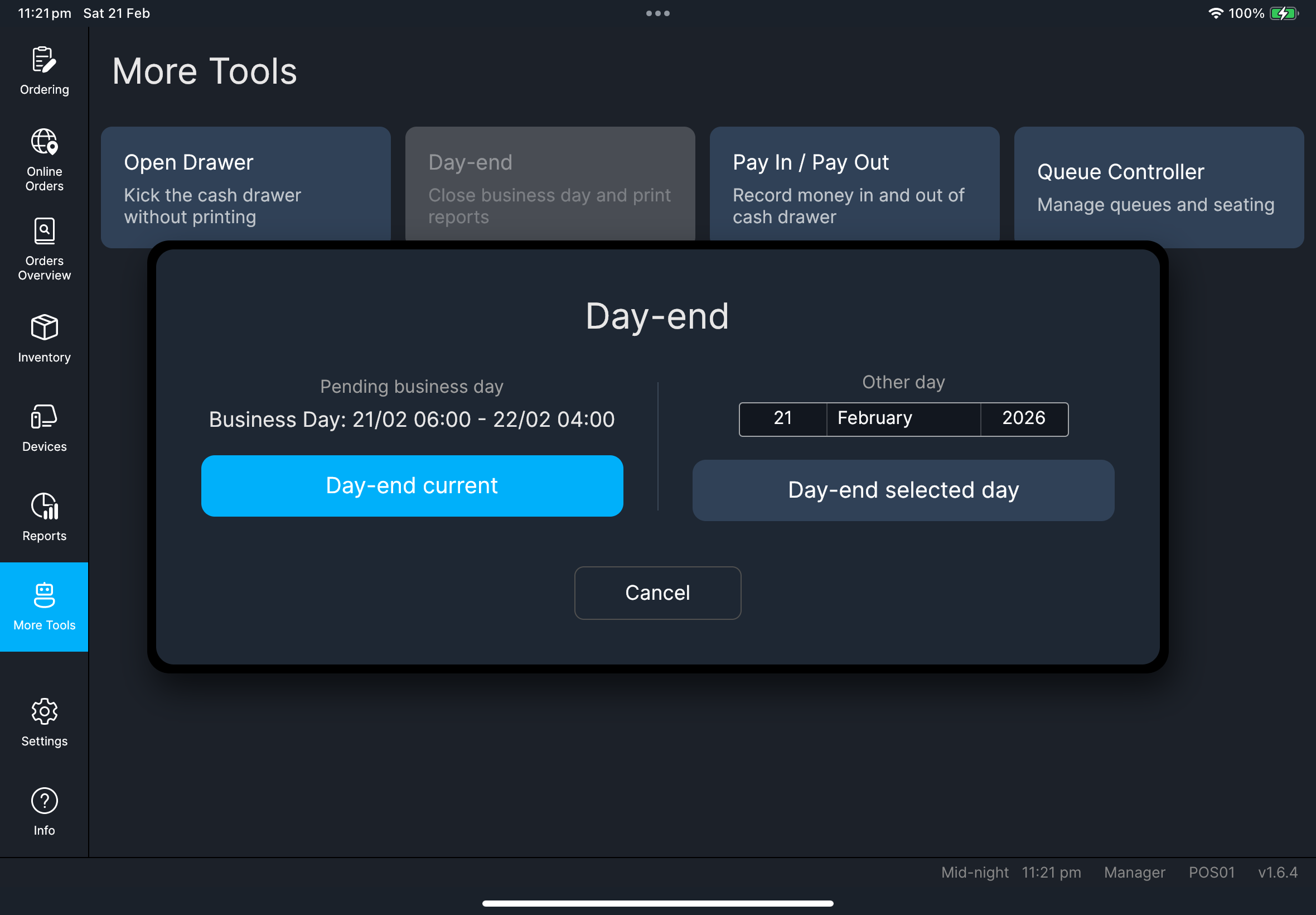
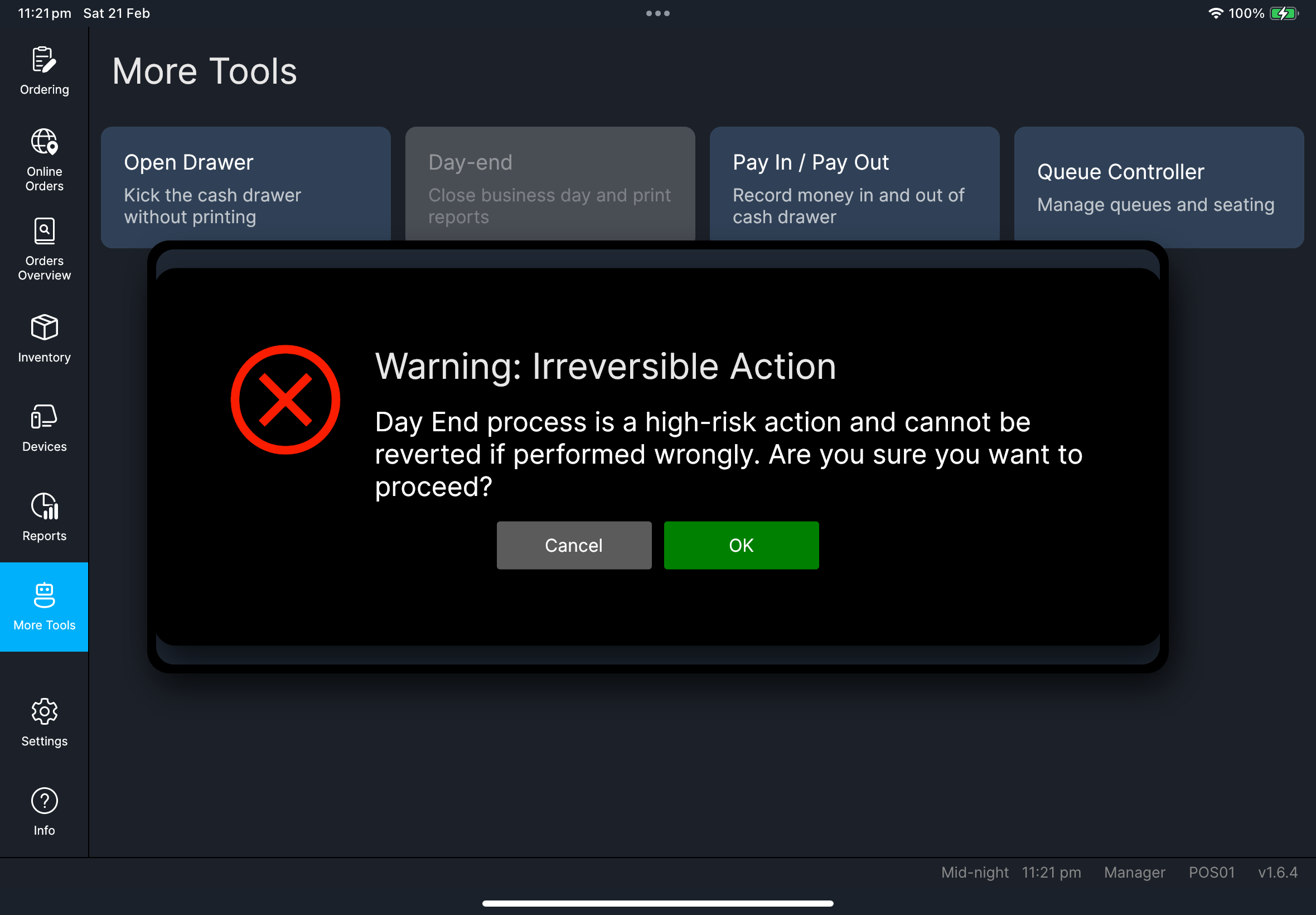
If something goes wrong
Cannot proceed
Re-check business date and unresolved transactions before retrying.
Day-end has already been processed for the selected dayChoose another date or review the existing day-end report for that day.
Printed report is missing sections
Review Settings -> Report, especially Daily Report Sections and Show advanced sections, then apply the corrected setup for the next day-end.
When to ask admin
- Business date appears incorrect
- Day-end validation remains blocked after manager check
- Day-end result for selected date is inconsistent with expected turnover