Billing
Owners, finance staff, or admins who review plan and billing status.
Before you start
- Confirm the correct brand.
- Treat billing changes as owner/admin work unless your role explicitly covers finance.
Open this page
Open Billing.
What this page is for
Billing shows the current plan, active subscription count, billing method, and invoice history status.
Main sections
Current plan and subscription summary
Use the summary cards to review:
- current plan
- active subscriptions
- billing method
Invoice history
If your account is billed through X1 online billing, use this section to review or download available invoice records.
If your account is handled by an offline contract, HQ may show no online invoices because pricing and payment terms are managed outside the portal.
Contract billing
Some brands use a custom offline contract. In that case, Billing shows Custom Contract and Offline Contract instead of a public monthly price.
This does not mean the plan is free or promotional. It means the price and payment method are agreed outside HQ and are not charged through online auto-recurring billing.
Related pages
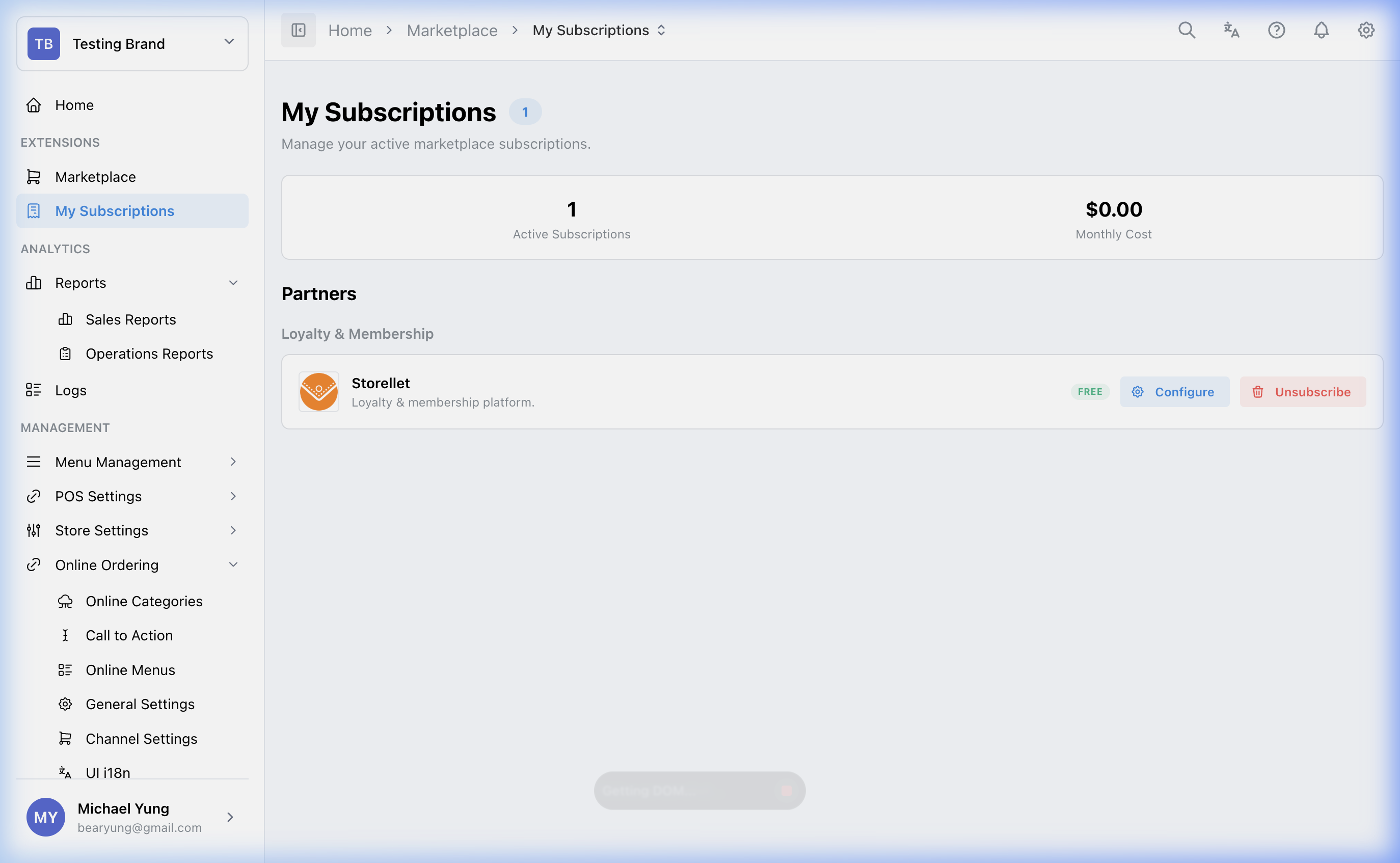
Use My Subscriptions to manage active products directly.
What changes after you save
This page is mainly for review. Subscription management usually happens through Marketplace or My Subscriptions.
If something goes wrong
- Confirm you are checking the correct brand.
- Confirm whether the issue belongs to subscription management rather than billing display.
- If the contract terms or price are unclear, check the offline agreement or ask the account owner.
When to ask owner/admin
- The change affects invoices, billing responsibility, or paid subscriptions.