销售流程
适用对象
在付款前负责接单的收银员。
开始前
- 你已经成功登录
- 你正在
点餐页面 - 菜单数据已经载入
步骤
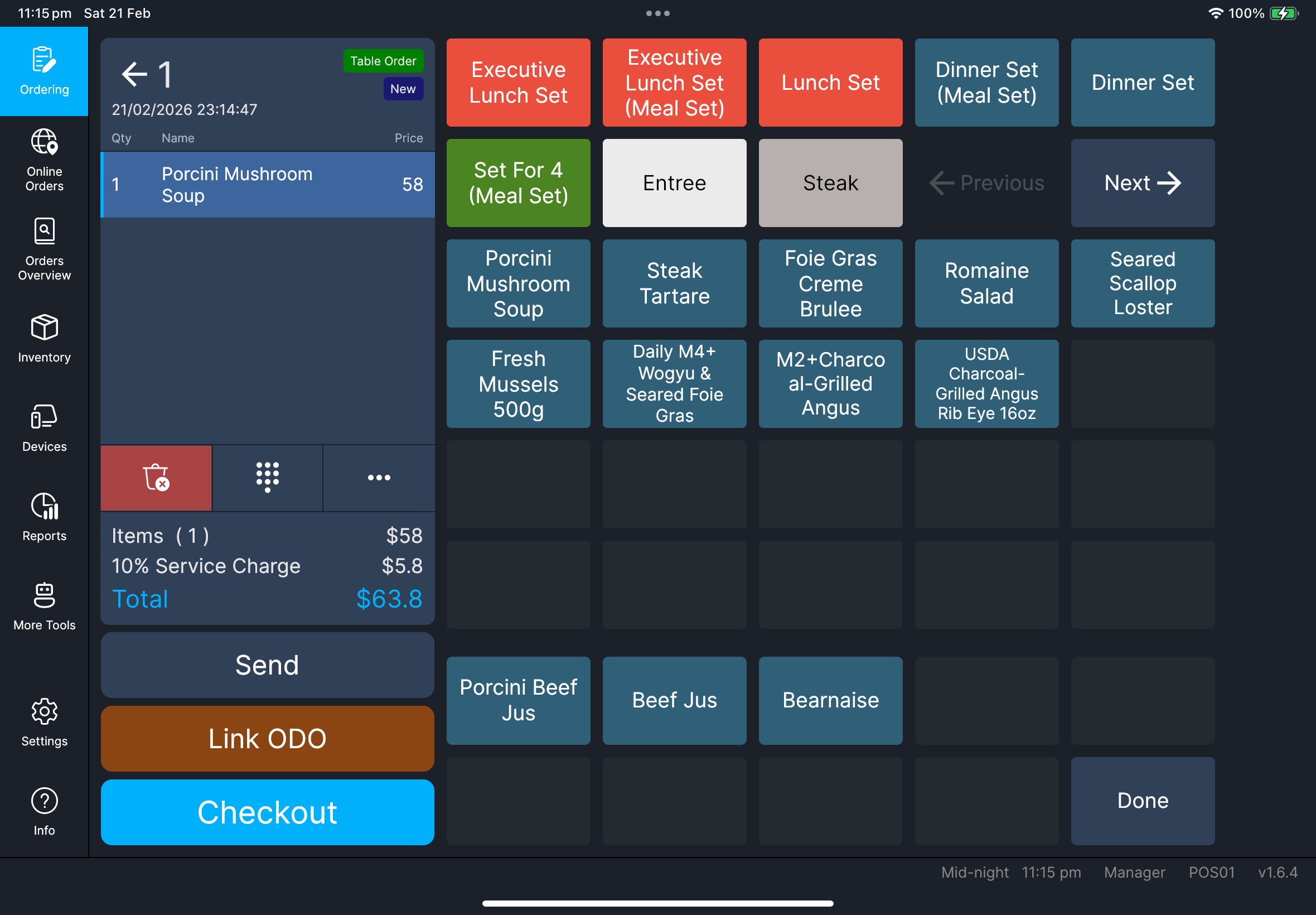
- 堂食订单
- 外卖订单
- 点击
堂食。 - 点击目标餐台。
- 添加项目和需要的加料。
- 确认项目已经出现在订单列表里。
- 点击
发送或点击结账。
- 点击
外卖。 - 打开目标外卖订单。
- 添加项目和需要的加料。
- 确认项目已经出现在订单列表里。
- 点击
发送或点击结账。
外卖联络资料
如果你需要把顾客姓名或电话打印在外卖单上,请在功能菜单里使用 订单联络资料。参见 功能指南。
你应该会看到
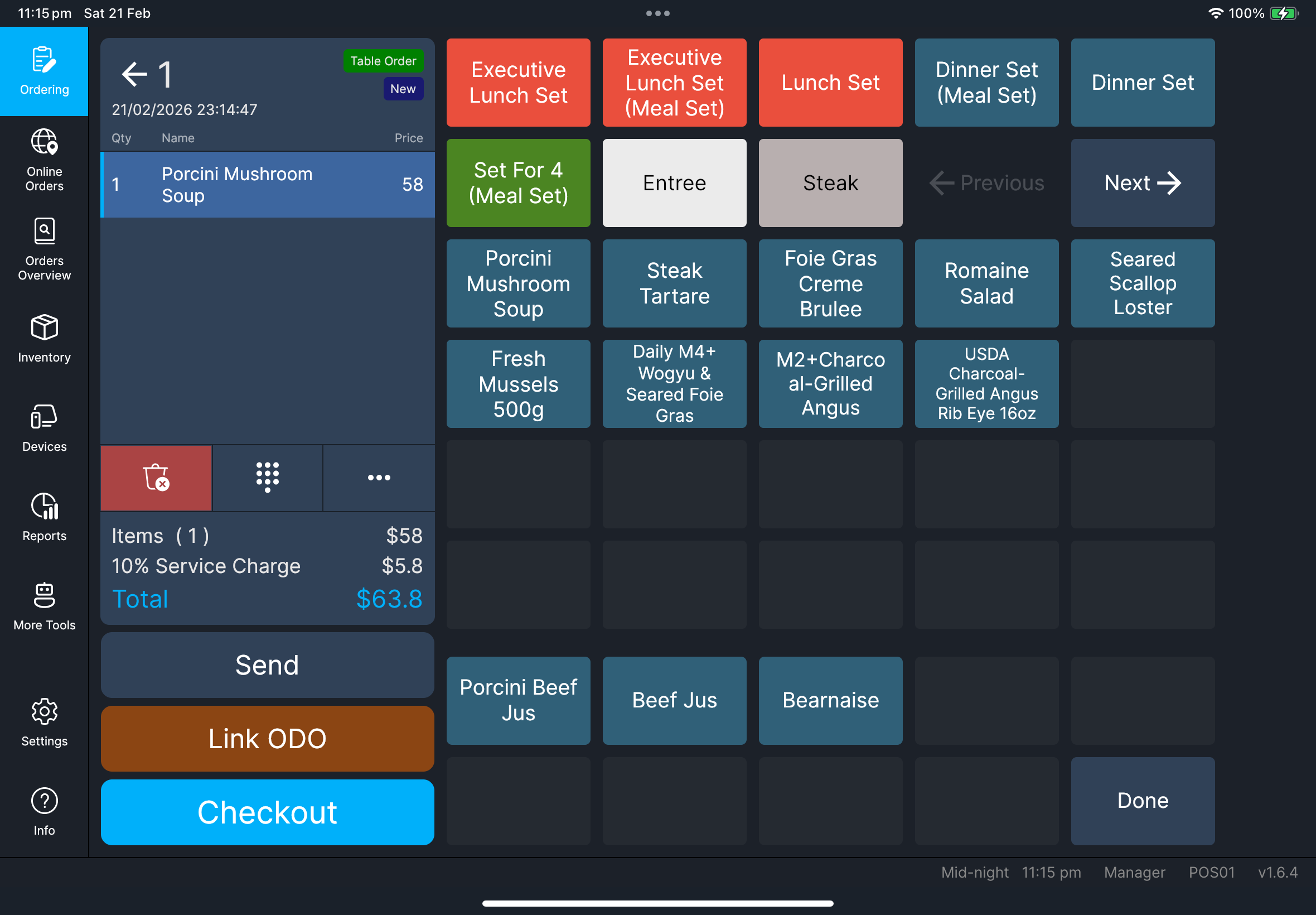
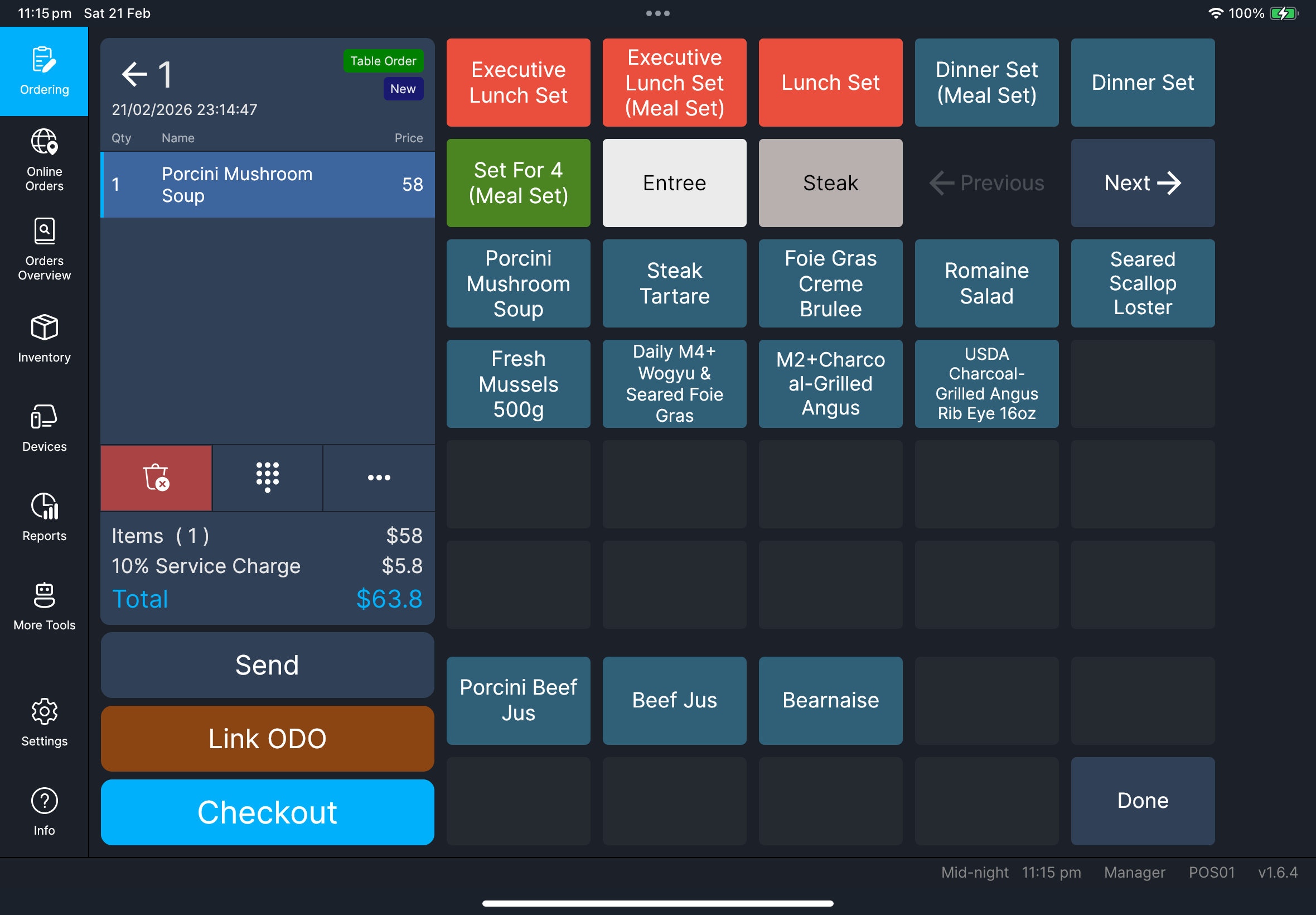
- 每次选择项目后,数量和行总额都会更新
- 可以使用
发送和结账 - 项目名称会按照你当前语言以及
设置中的项目名称映射(主语言/备用语言)显示 - 如果商品已连结口味组别,并且 HQ 中该商品的
POS 自动显示口味组别已开启,加入商品后会立即打开口味选择 - 如果商品已连结套餐组别,会打开套餐选择,让员工选择需要的套餐项目
- 在外卖订单上,已保存的顾客联络资料会显示在订单标题下方
Screenshot pending
Needed file: client/cl-41-order-item-name-language-mapping.png
餐台画面切换
当 设置 中启用 启用楼层平面图模式 时,堂食餐台画面右下角会出现一个圆形切换按钮:
- 网格图标:切换到
餐台列表 - 地图图标:切换到
楼层平面图
这样员工可以在不离开点餐流程的情况下快速切换画面。
Screenshot pending
Needed file: client/cl-37-ordering-table-view-toggle-floorplan-tablelist.png
功能菜单(需要时使用)
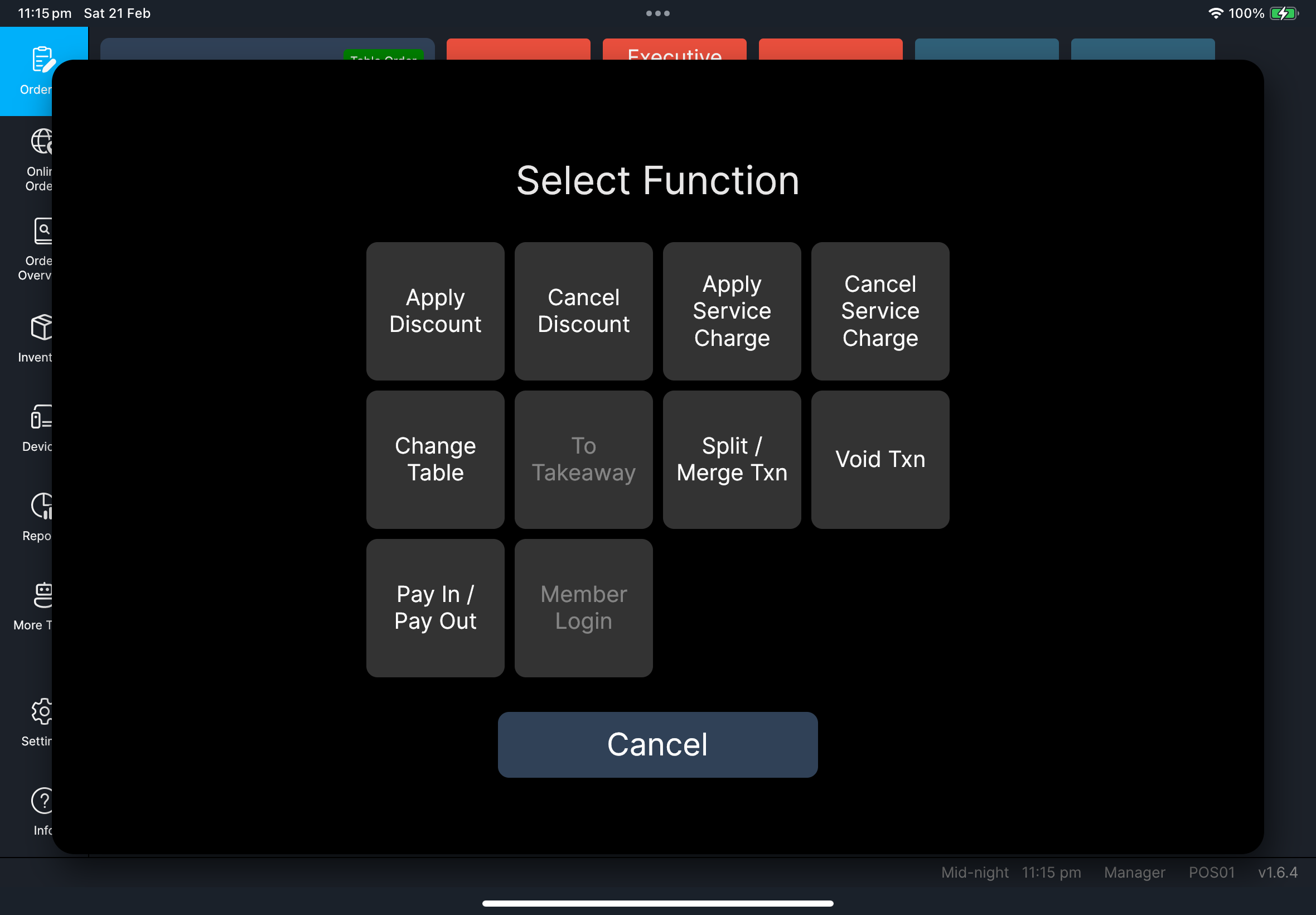
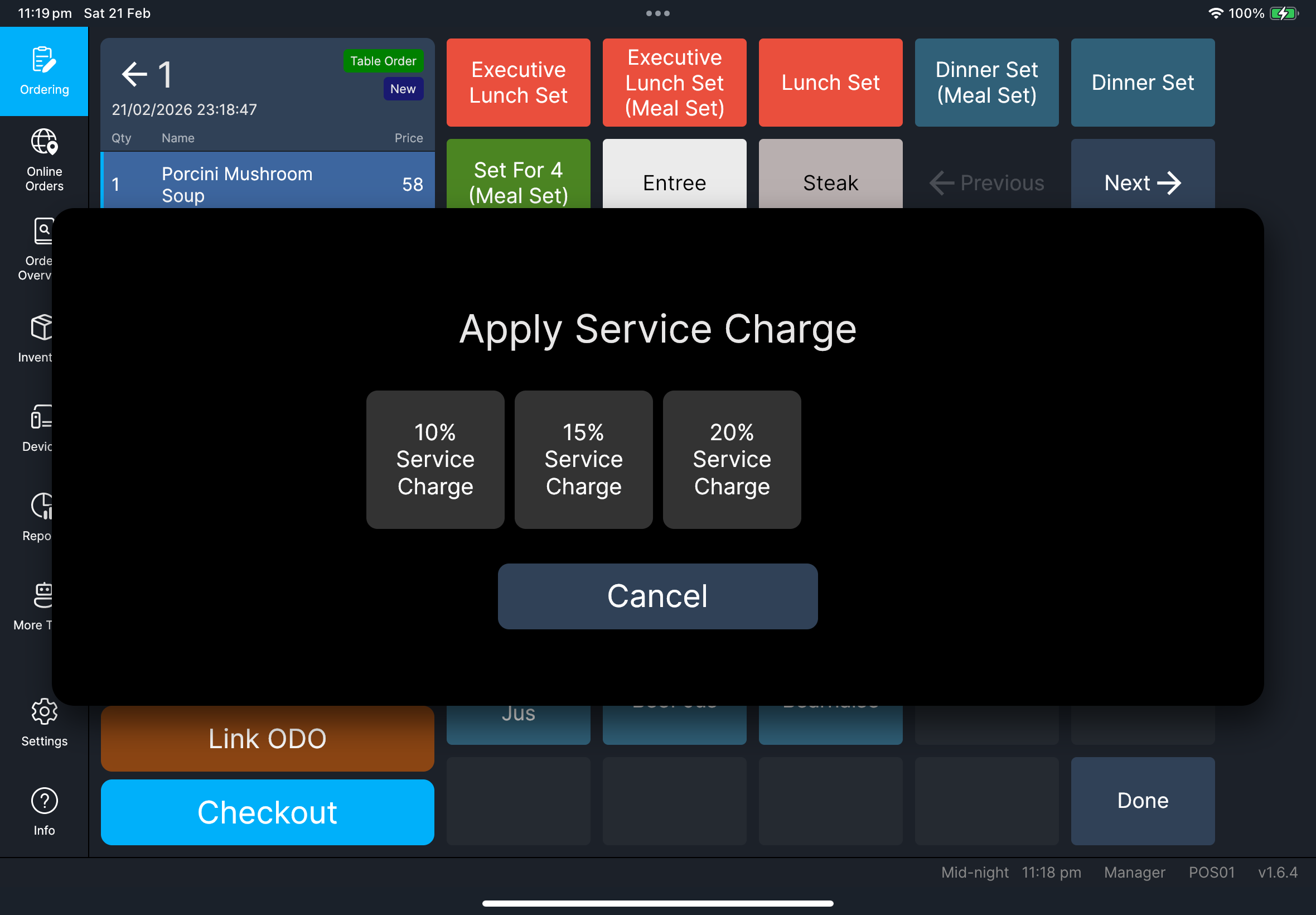
点击三个点的功能按钮,打开 选择功能。
如果你配置了很多功能,选择功能 可能会显示 上一页 和 下一页 方块,方便翻页。
点击三个点的功能按钮可使用以下功能:
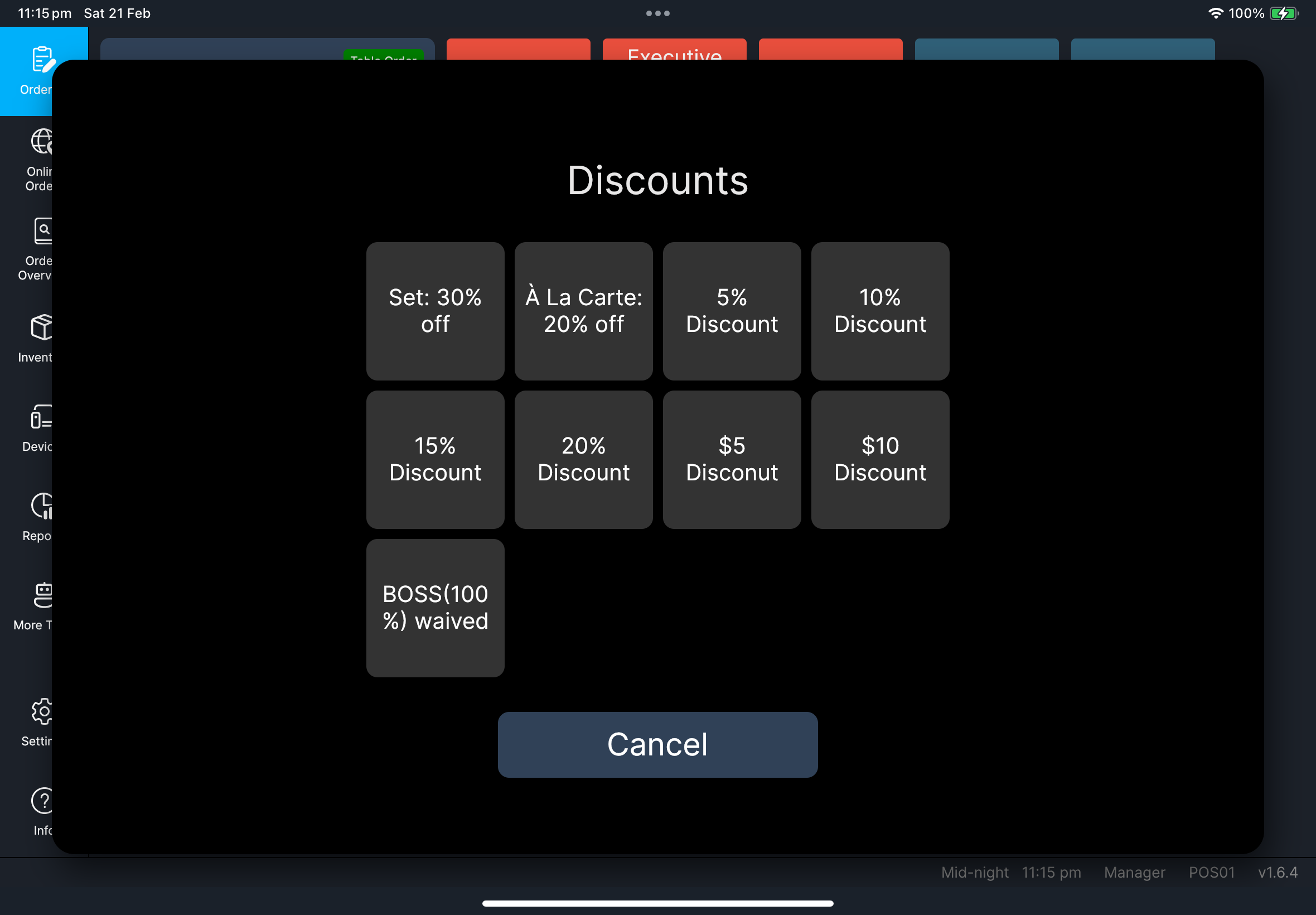
应用折扣取消折扣应用服务费取消服务费转台订单联络资料订单备注转为堂食/转为外卖分拆 / 合并交易取消交易代收 / 代支会员登录八达通结算(启用八达通 V3 且读卡器可用时)
可参考这些详细指南:
应用折扣:功能指南应用服务费:功能指南转台:功能指南订单联络资料:功能指南转为堂食/转为外卖:功能指南分拆 / 合并交易:功能指南会员登录:功能指南代收 / 代支:功能指南八达通结算:功能指南
添加订单备注
- 点击三个点的功能按钮。
- 在
选择功能中点击订单备注。 - 如果
订单备注在另一页,点击上一页或下一页。 - 输入备注,然后确认。
- 检查备注是否出现在订单标题下方。
- 如果还需要编辑,点击备注旁边的铅笔图标。
Screenshot pending
Needed file: client/cl-42-select-function-dialog-pagination.png
Screenshot pending
Needed file: client/cl-43-order-remark-display-edit.png
出现问题时
无法拆分 / 合并或作废
先发送尚未提交的项目,然后再重试。
选错餐台
在结账前,先从功能菜单使用 转台。
口味或套餐提示没有出现
请选择商品行,确认是否可以手动调整口味。如果提示仍然不正确,请经理/管理员在 HQ 检查该商品的 管理关联 设置和 POS 自动显示口味组别。
何时找经理/管理员
- 作废 / 退回需要经理审批
- 折扣 / 服务费选项缺失,但本应可用
- 订单行为与门店规则不一致