End of Day
Day-end is irreversible and must be run by manager role.
Shift manager closing business day and store owner supervising end-of-day controls.
Before you start
- Resolve all active orders/checkouts
- Confirm pending payments are finalized
- Complete required pay in/out records
- Verify business date/time is correct
- Confirm
Settings->Reporthas the day-end sections your store wants to print
Steps
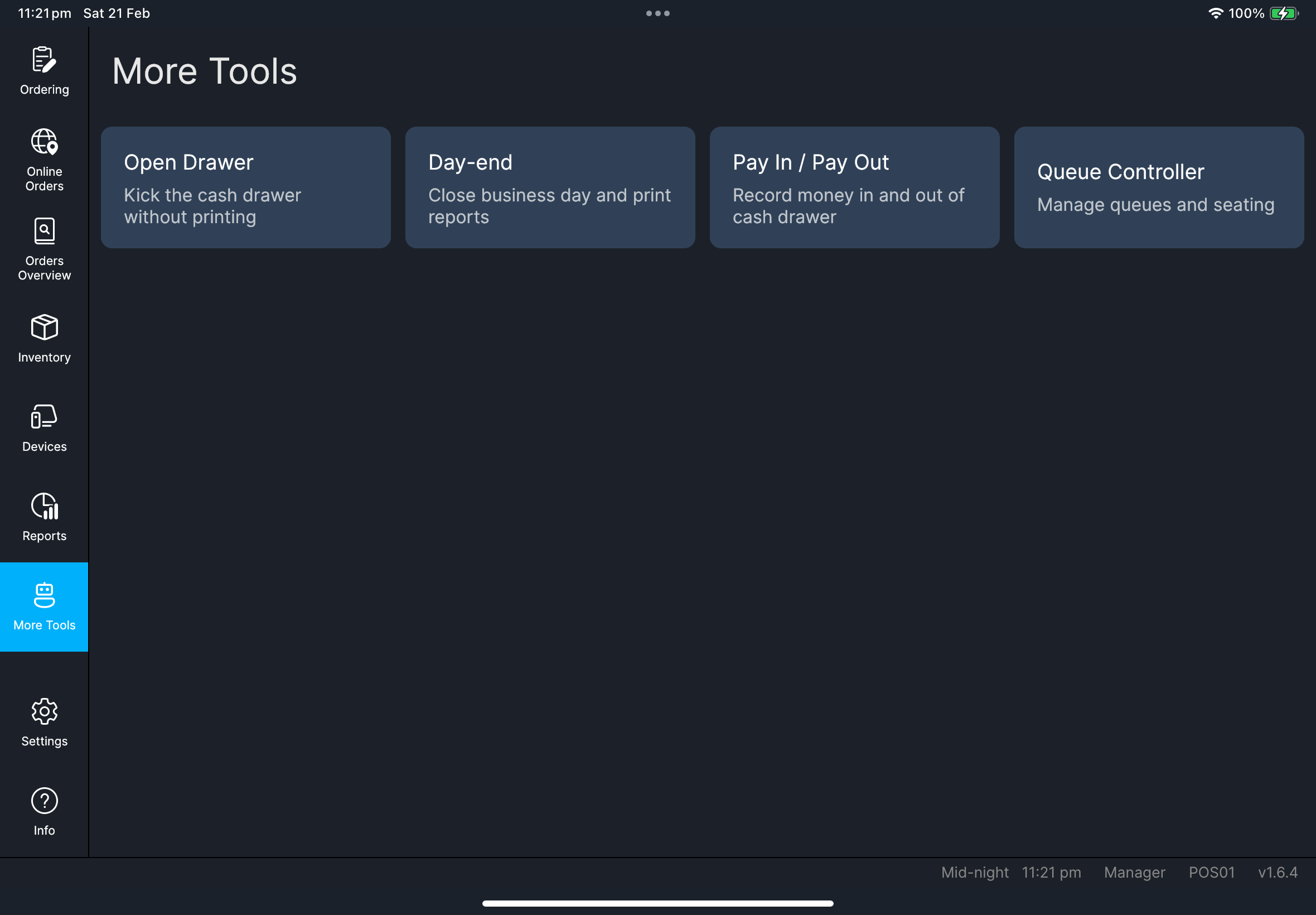
- Open
More Tools. - Tap
Day-end.
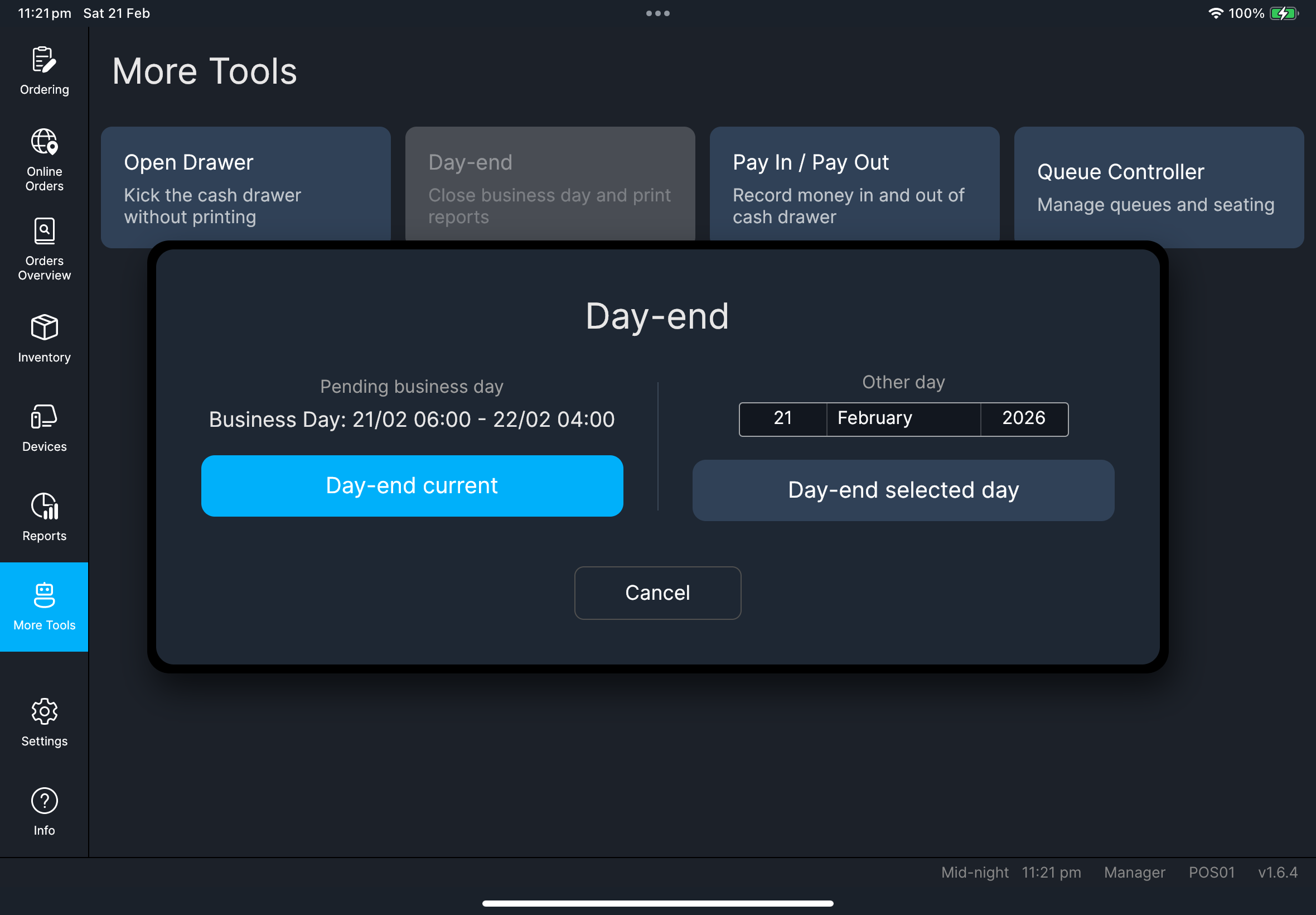
- Day-end current
- Day-end selected day
- Tap
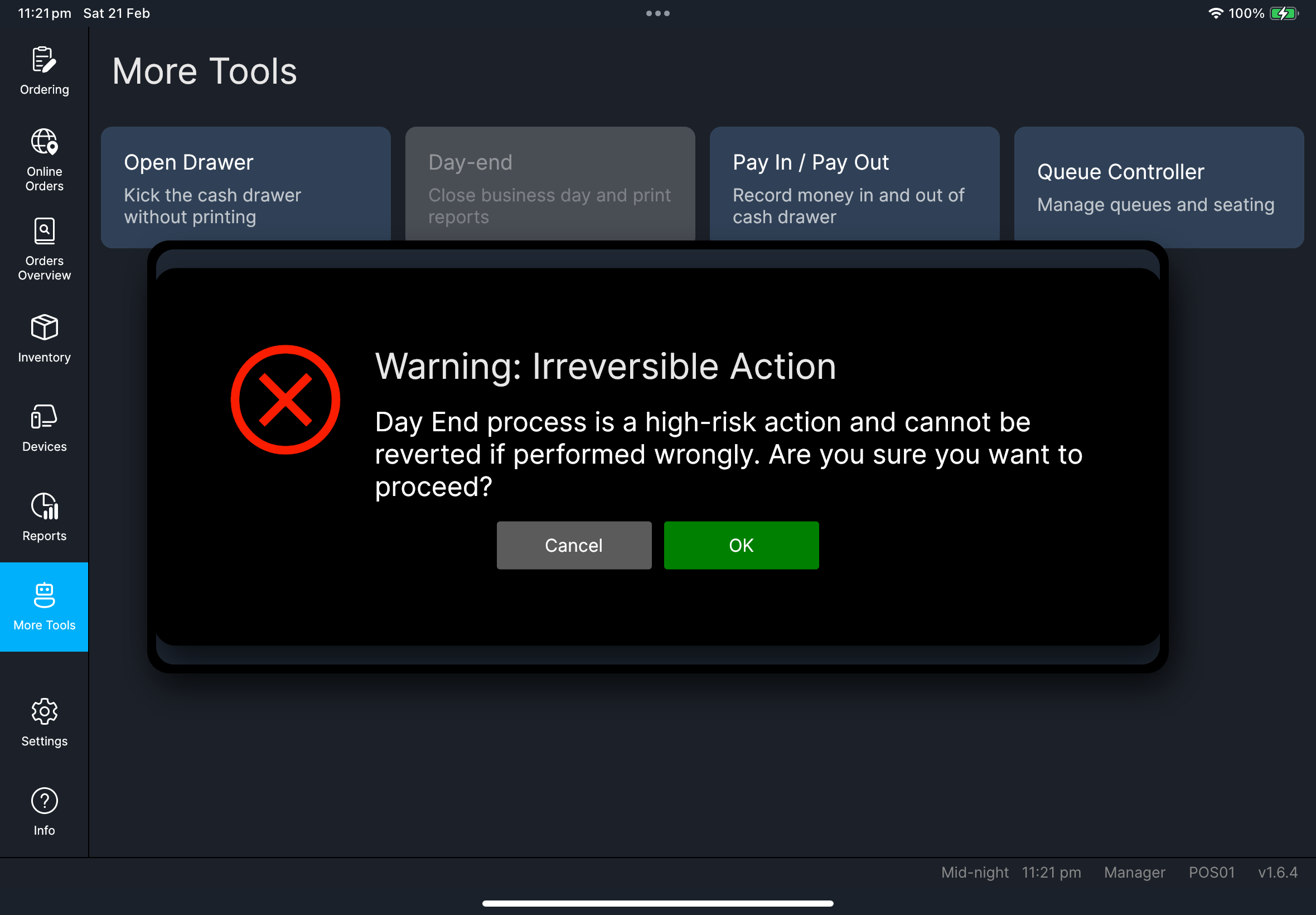
Day-end current. - Read warning and tap
OK. - Wait for completion.
- Select target date.
- Tap
Day-end selected day. - Read warning and tap
OK. - Wait for completion.
Day-end selected day now closes and writes turnover using the date you selected.
If that date was already processed, POS blocks running day-end again for the same date.
The printed day-end report follows Settings -> Report -> Daily Report Sections.
If a section is missing from the printout, check that setting before you run day-end again on a later business day.
After a successful day-end, POS may also clean older closed workday transaction history from this device based on Settings -> General -> Clearing -> Local Transaction Retention (Days).
Open workdays and unclosed orders are not removed by this cleanup.
What you should see
If something goes wrong
Re-check business date and unresolved transactions, then retry once.
Day-end has already been processed for the selected dayThis date is already closed. Select another date, or verify the existing report instead of re-running day-end.
This is expected behavior. Day-end is a high-risk irreversible action.
Open Settings -> Report and review Daily Report Sections plus any Advanced Sections toggles, then use the updated setup for the next business day.
Do and don't
Confirm order/payment closure before day-end and keep one manager owner for the process.
Do not run day-end while any payment outcome is still unclear.
When to ask admin
- Business date appears incorrect
- Day-end remains blocked after manager retry
- Day-end result is inconsistent with reports