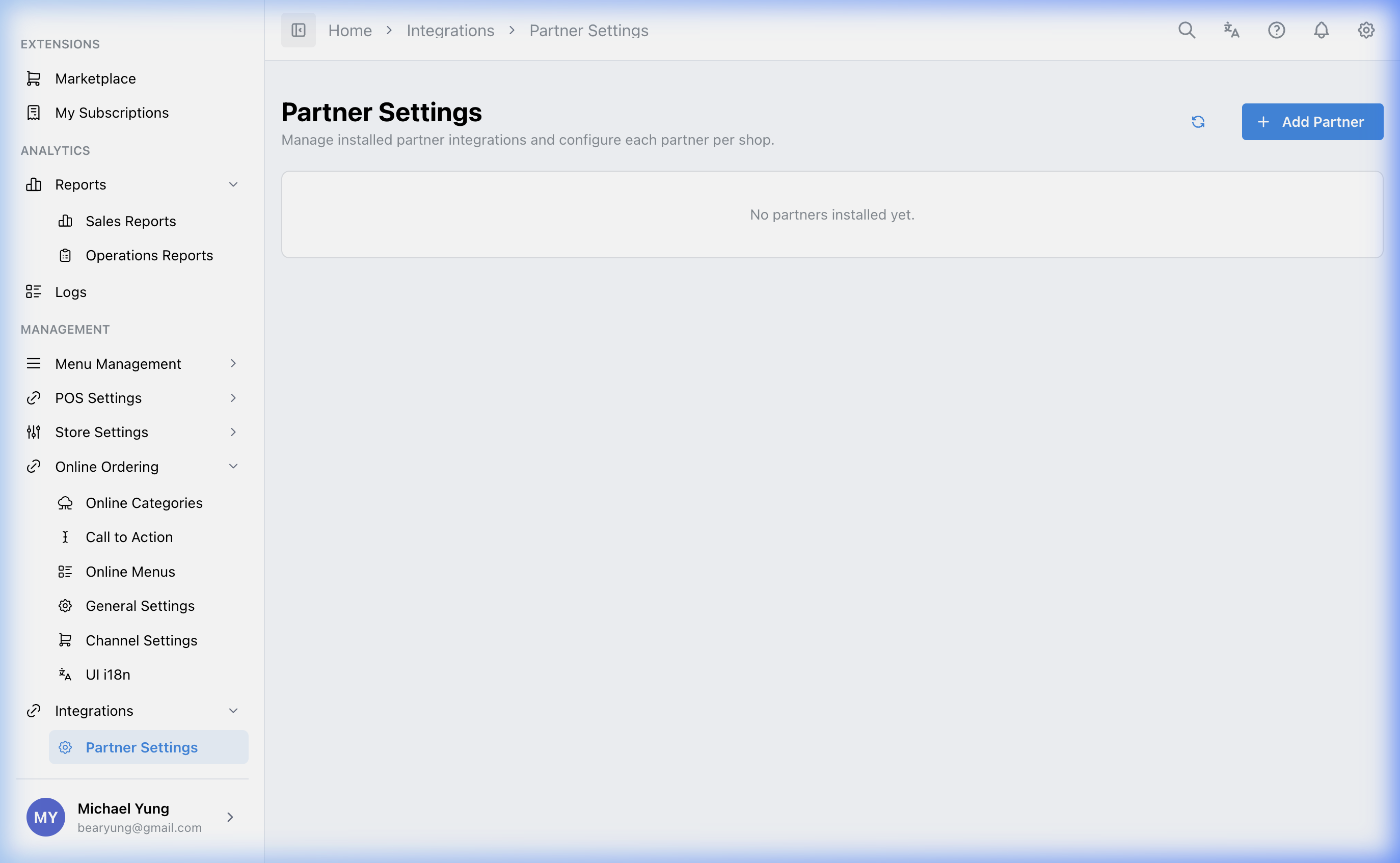
Partner Settings
Who this is for
Admins who manage installed third-party partners and configure those partners for the selected brand or shop.
Before you start
- Confirm the correct brand.
- Confirm the partner is already subscribed or installed through
Marketplace. - Gather any partner-provided identifiers, tokens, or URLs before you start.
Open this page
Open Integrations -> Partner Settings.
What this page controls
Partner Settings manages installed third-party integrations and their related setup.
Use this page to:
- review installed partners
- understand which type of integration the partner supports
- open partner-specific configuration
- enter required credentials or identifiers
Main sections
Installed partners
Once a partner is available for your brand, it can appear here for configuration.
Partner categories
Partners can support areas such as:
- accounting and ERP
- loyalty and membership
- CRM and customer data
- reservations and table management
- inventory and supply chain
Configuration
Many partners require values such as:
Client IDSecret KeyWebhook URL- partner-specific company or shop identifiers
Steps
- Open
Integrations->Partner Settings. - Confirm the selected brand.
- Find the installed partner you need to manage.
- Open the partner configuration.
- Enter the required values provided by the partner.
- Save the configuration.
What changes after you save
Saving the partner configuration updates the integration setup for the selected brand or shop context used by that partner.
How to check your change
- Reopen the partner configuration and confirm the record saved.
- Check whether the target shop or partner mapping is complete where applicable.
- Verify the integration in the downstream workflow if you have a safe way to test it.
If something goes wrong
- Confirm the partner is actually installed first.
- Check whether the issue is in marketplace subscription, partner configuration, or shop-specific linkage.
- Re-enter only the partner values you are certain about instead of changing multiple fields at once.
When to ask owner/admin
- You do not have the partner credentials or identifiers.
- The partner affects finance, loyalty, online ordering, or live operational flows.
- You cannot safely verify whether the partner is exchanging data after save.