访问与导航
适用对象
所有登录 POS 终端的门店员工。
开始前
- 终端已初始化并在线
- 您有有效的登录 PIN
登录页面基础
你会看到:
- 当前门店名称
- Home 图标(切换门店)
- 由经理启用时可能出现的快速语言切换按钮(
EN/繁/简) - PIN 键盘
SIGN IN登录按钮
步骤
- 快速切换语言(如果显示)
- 登录
- 签到/签退(如果启用)
- 登出
- 在登录页面点击圆形语言按钮(
EN/繁/简)。 - 确认页面文字切换到下一个可用语言。
- 继续正常登录。
- 输入 PIN,或者在已配置时刷卡。
- 点击
SIGN IN。 - 等待
Ordering页面加载。
- 在登录页面点击更表按钮。
- 在班次开始时点击
Clock In,在班次结束时点击Clock Out。 - 然后继续正常登录。
- 前往桌台/订单页面。
- 点击右上角红色登出按钮。
- 确认会返回登录页面。
你应该看到什么
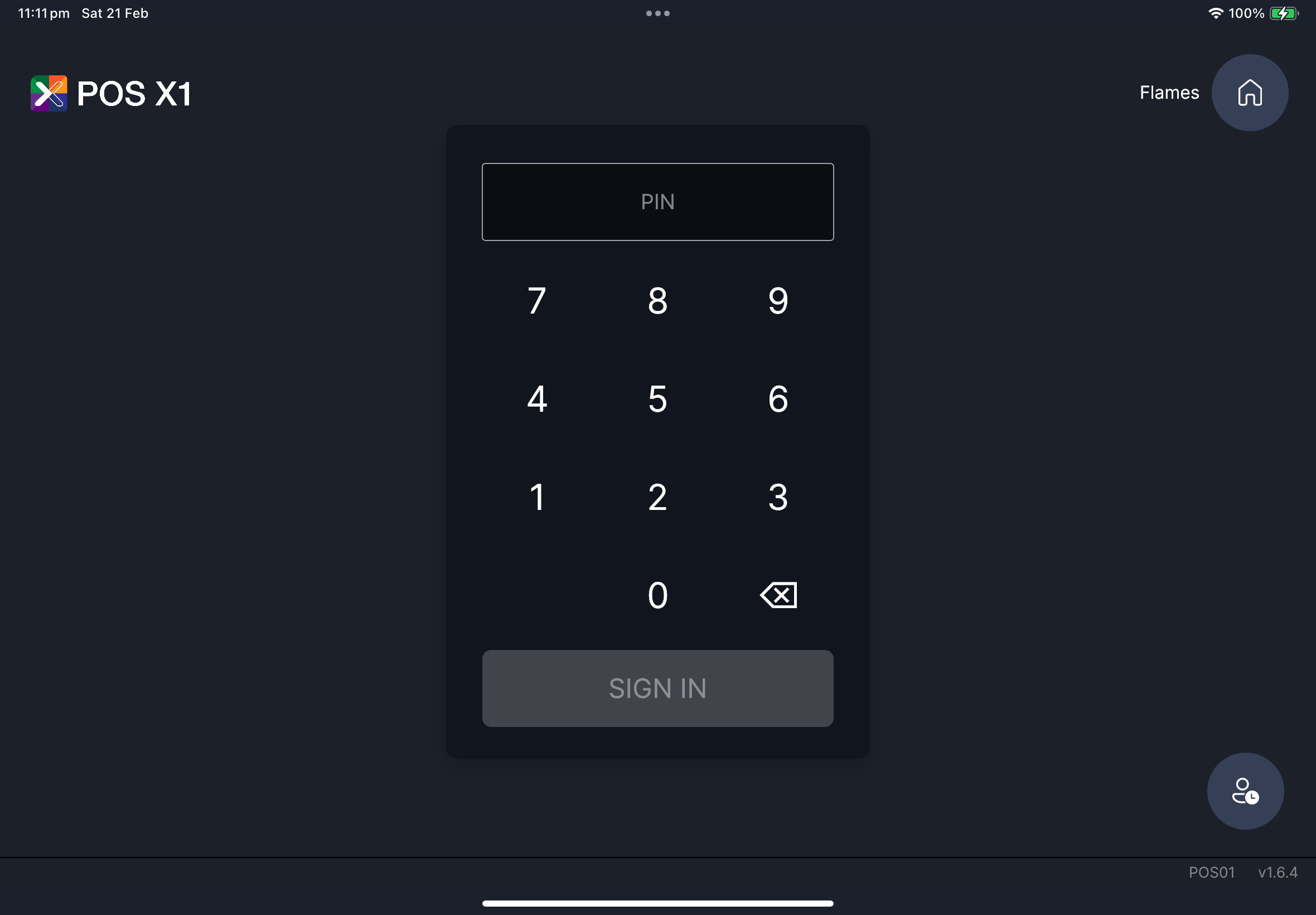
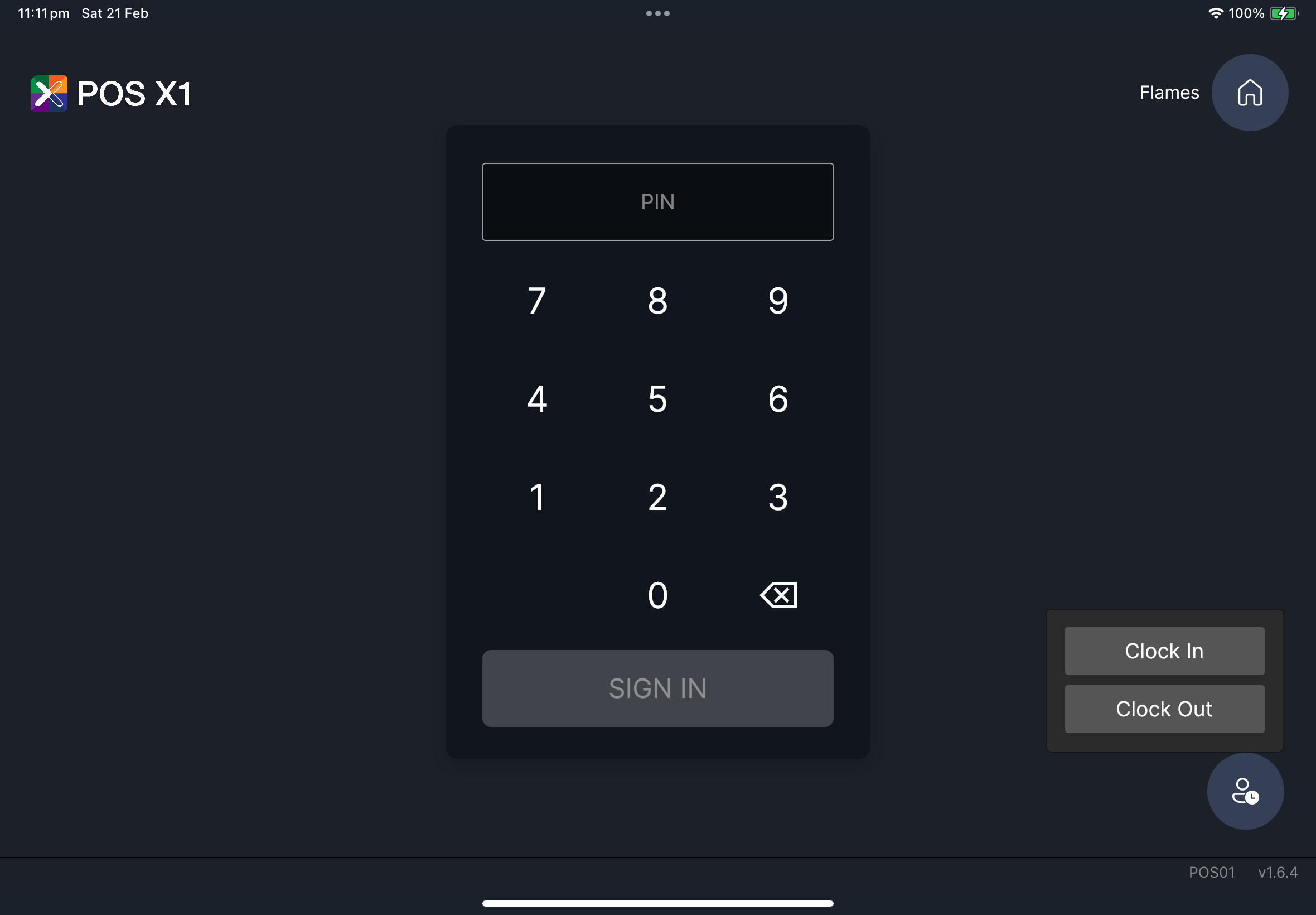
截图待补
所需文件:getting-started/gs-10-login-quick-language-switch.png
如果出现问题
SIGN IN 无法使用请重新输入 PIN,确认无误后再重试一次。
登录被服务提示阻止
如果出现订阅或离线提示,请先恢复连接,然后再重试登录。
何时需要找经理/管理员
- 重试后 PIN 仍然失败
- 订阅或离线阻止提示无法消失
- 您无法进入正确的门店或角色