First-Time Initialization
Store manager or setup owner preparing a terminal for first use.
Before you start
- Stable internet connection
- HQ login (
Email address or UserNameandPassword) - Correct brand/shop assignment in HQ
- Active subscription for the selected product type
- Language defaults to
Englishuntil you choose another language
Steps
- On
Select language, chooseEnglish,繁體中文, or简体中文, then tapNext. - On
Login with HQ, enter credentials and tapNext. - On
Select Brand and Shop, choose brand and shop, then tapNext. - On
Select Product Type, choose the terminal product type, then tapNext. - On
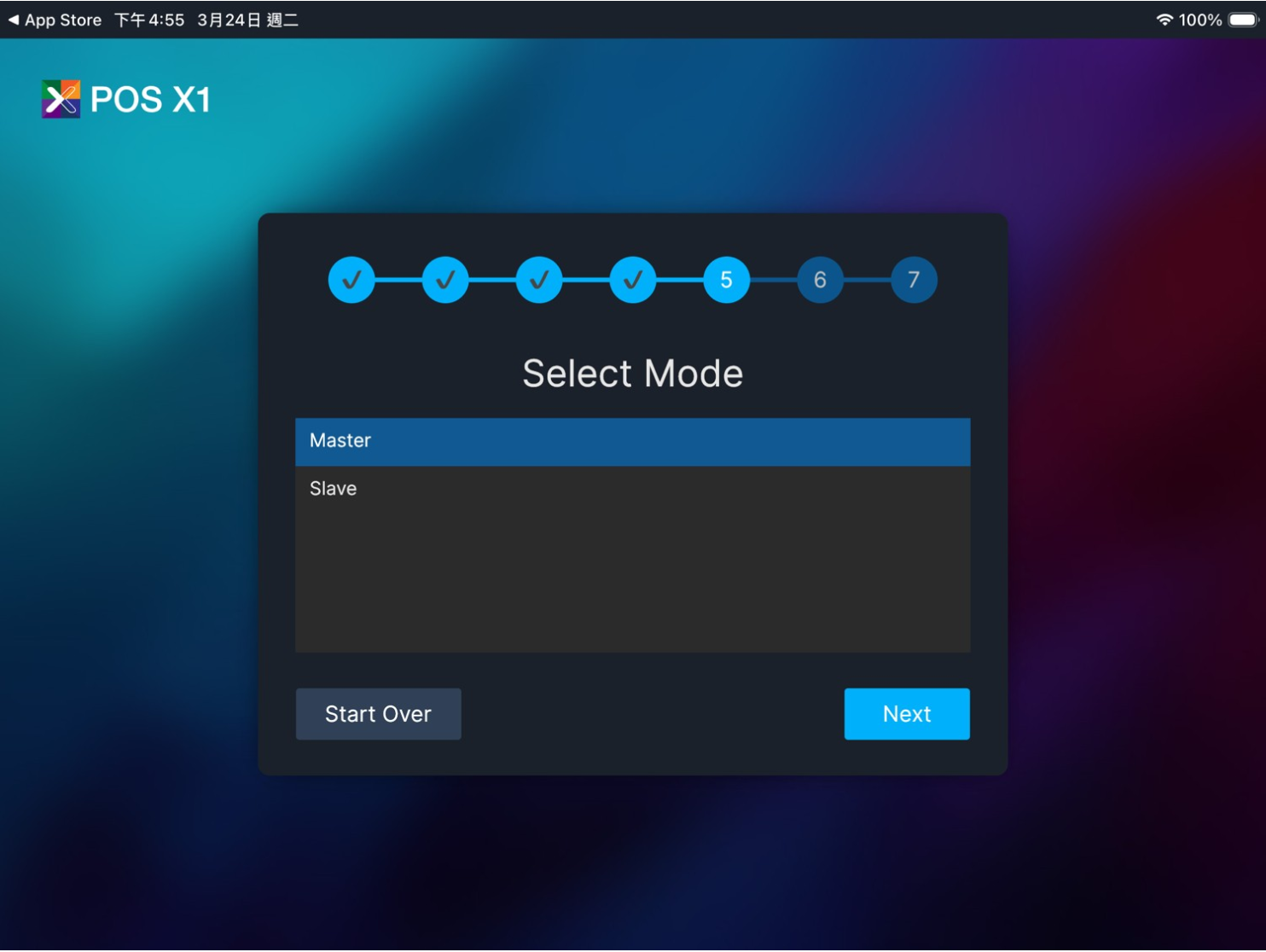
Select Mode, choose terminal mode and tapNext. - On
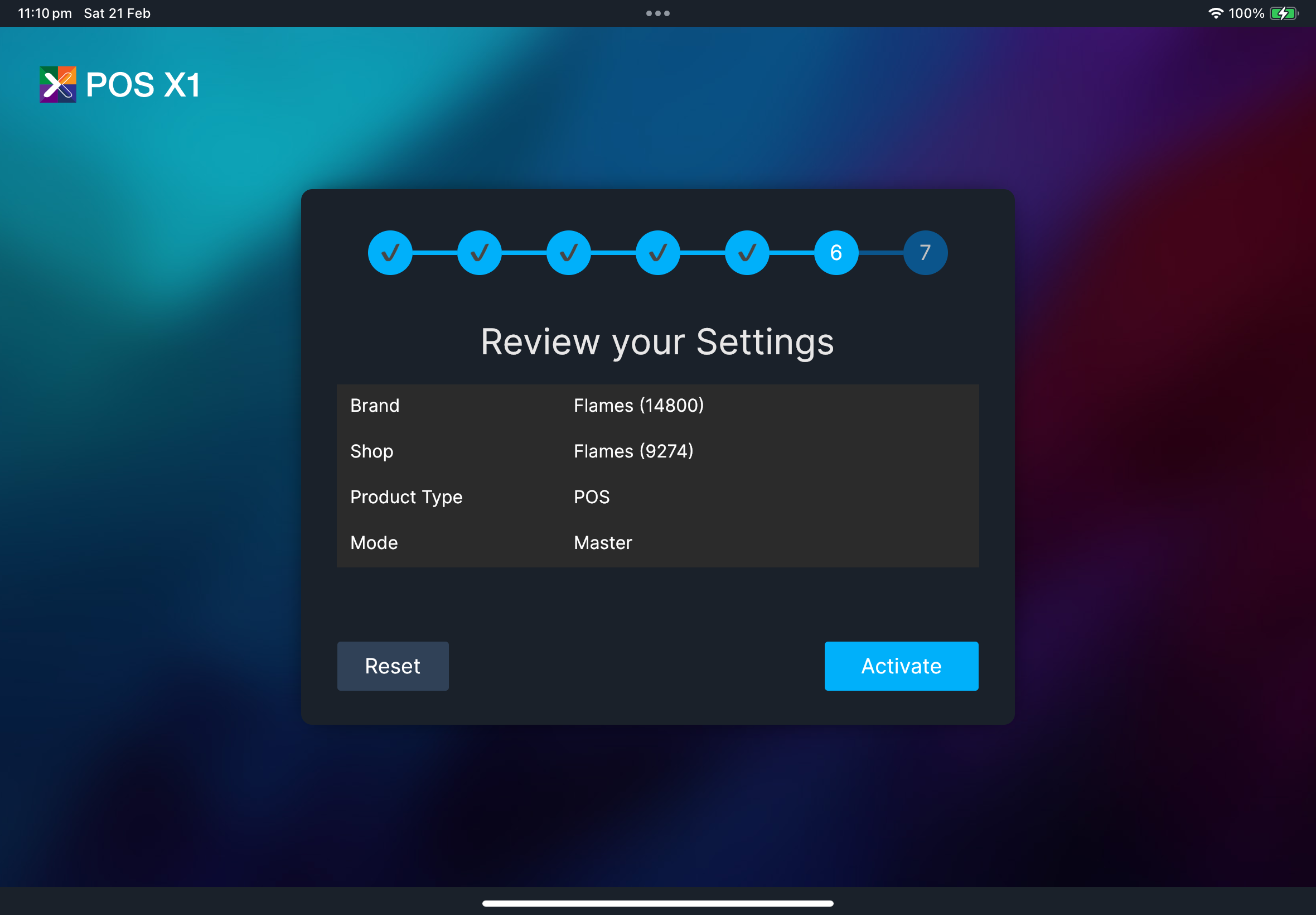
Review your Settings, verify details and tapActivate. - On
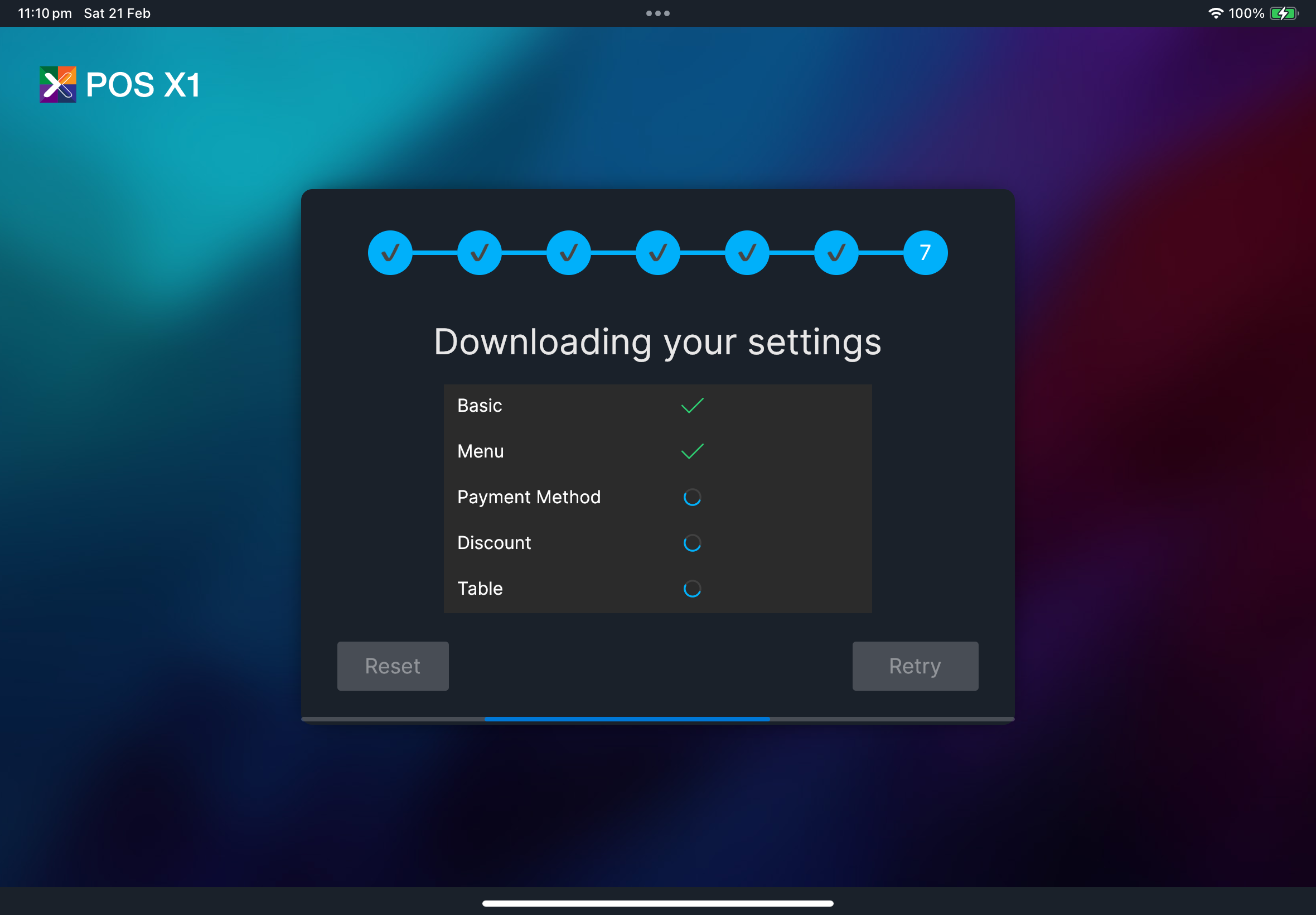
Downloading your settings, wait until all setup items finish.
Select language -> Login with HQ -> Select Brand and Shop -> Select Product Type -> Select Mode -> Review your Settings -> Downloading your settings
Your selected setup language is applied immediately during the wizard, including step titles and button text.
What you should see
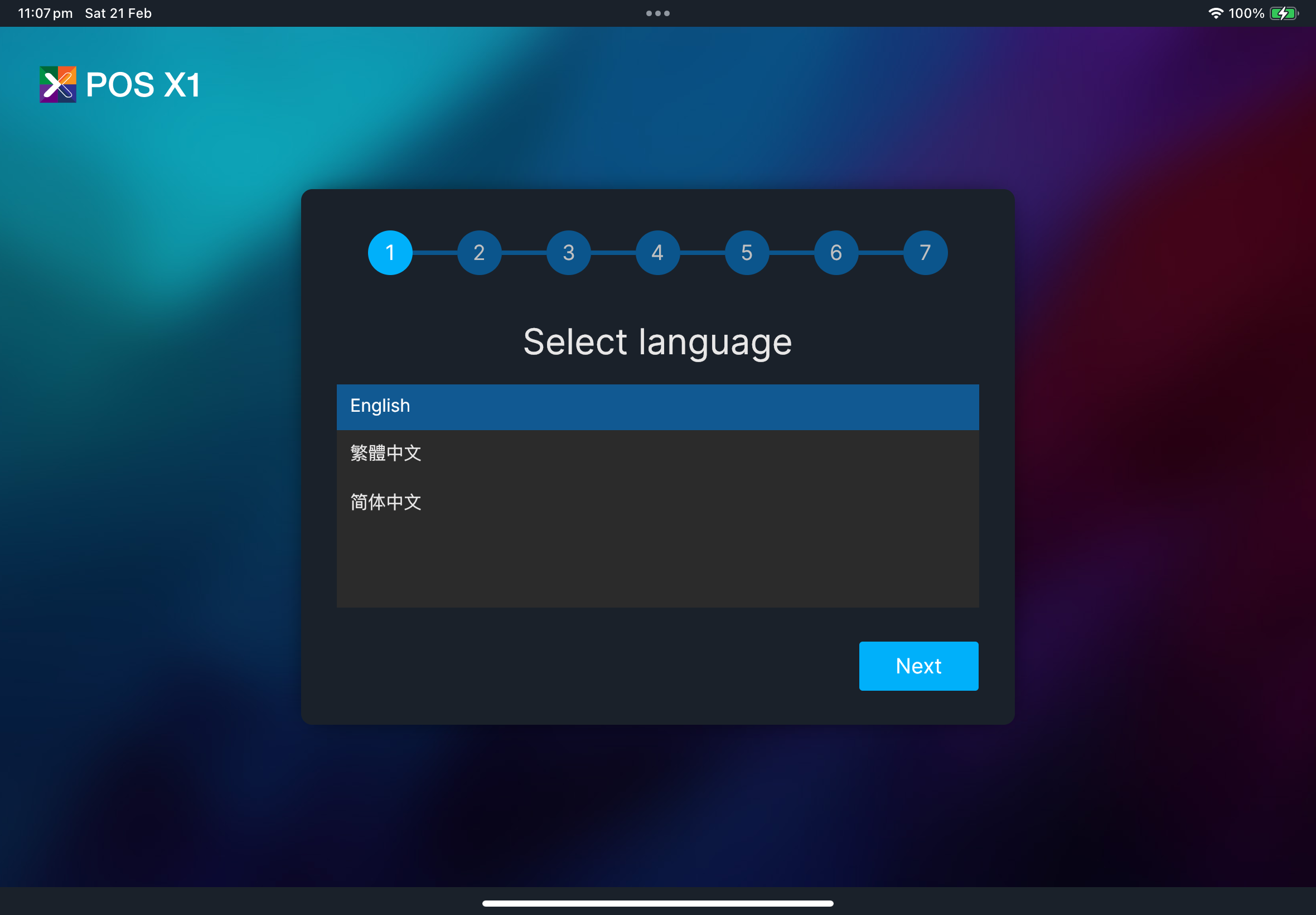
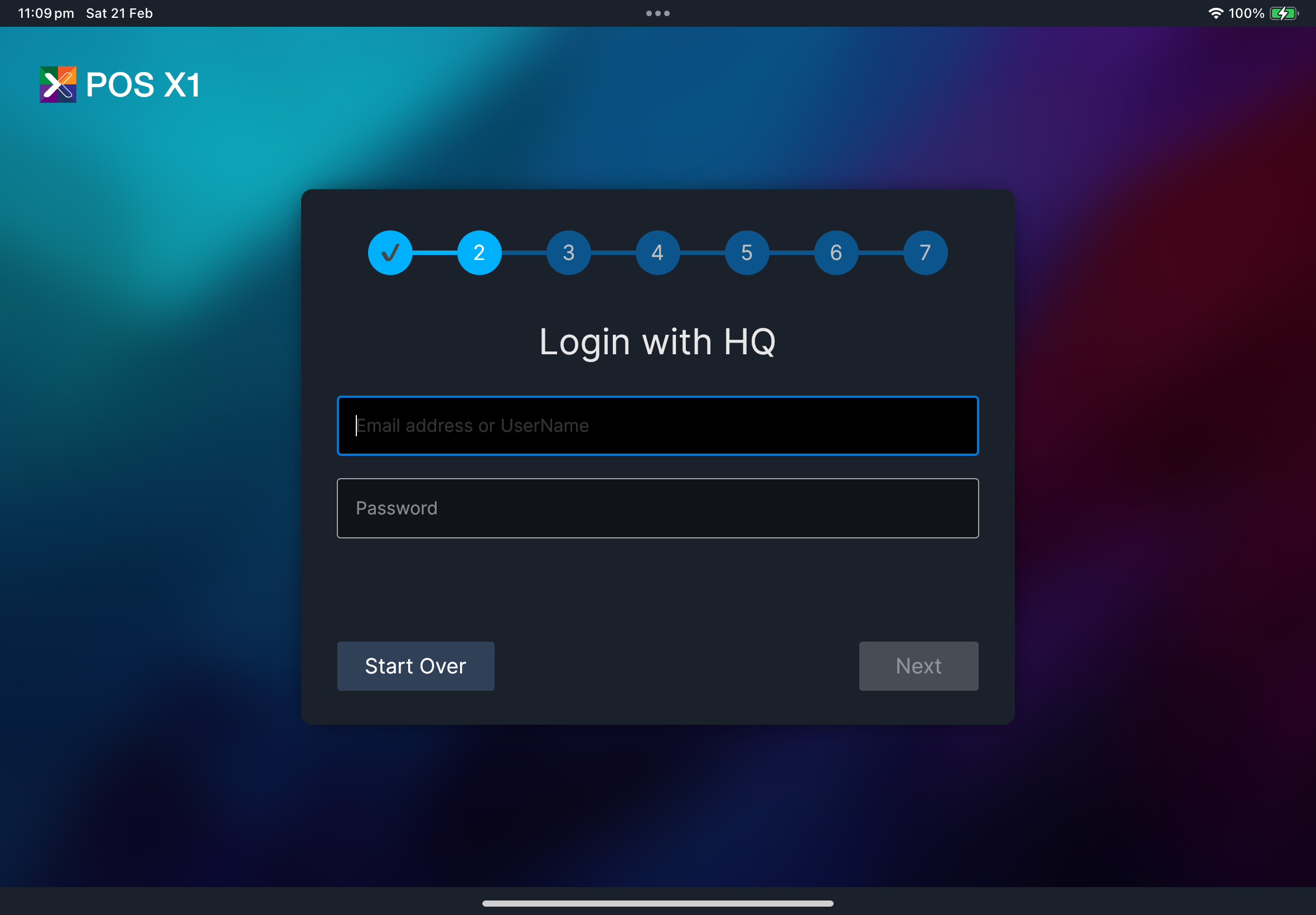
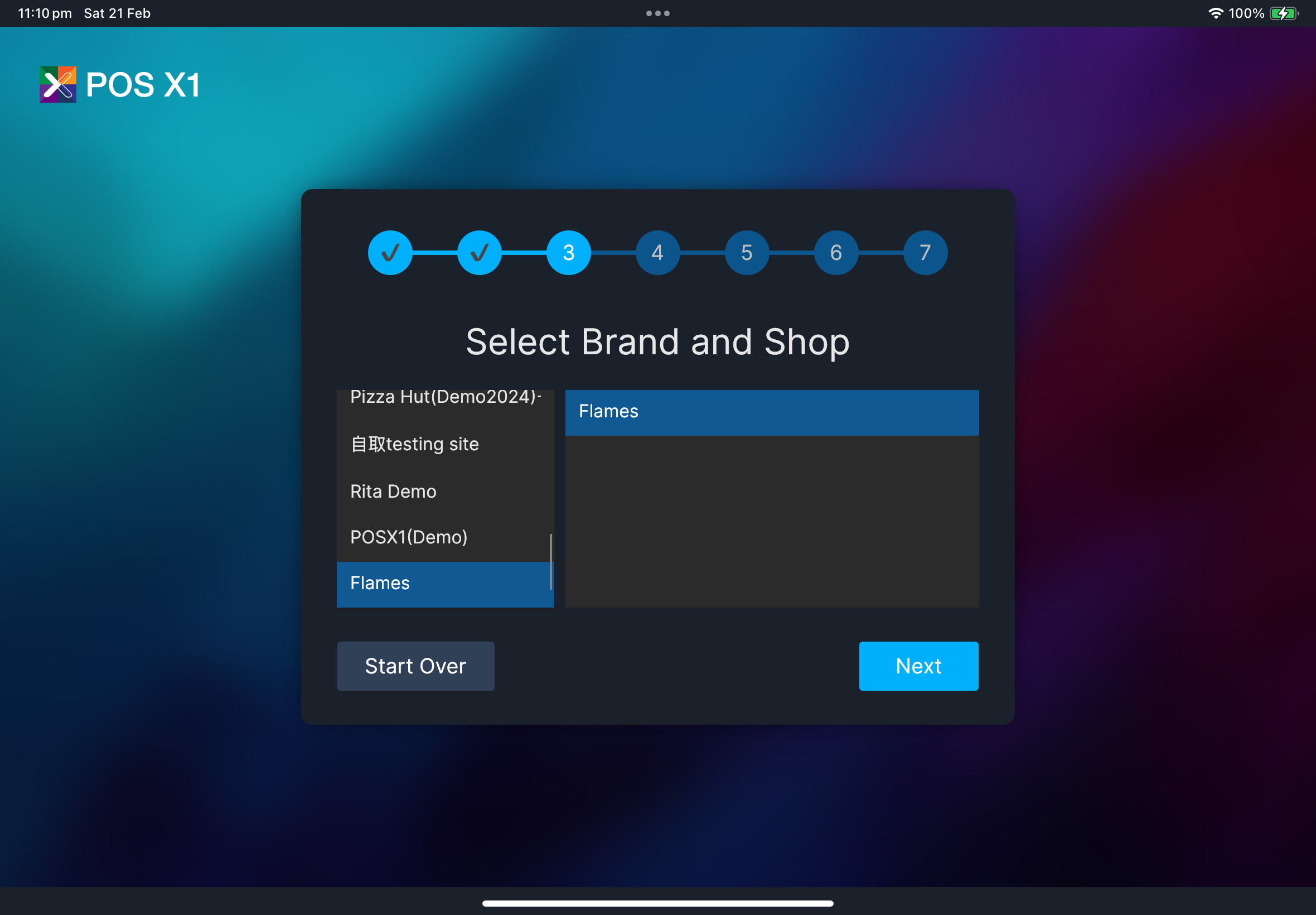
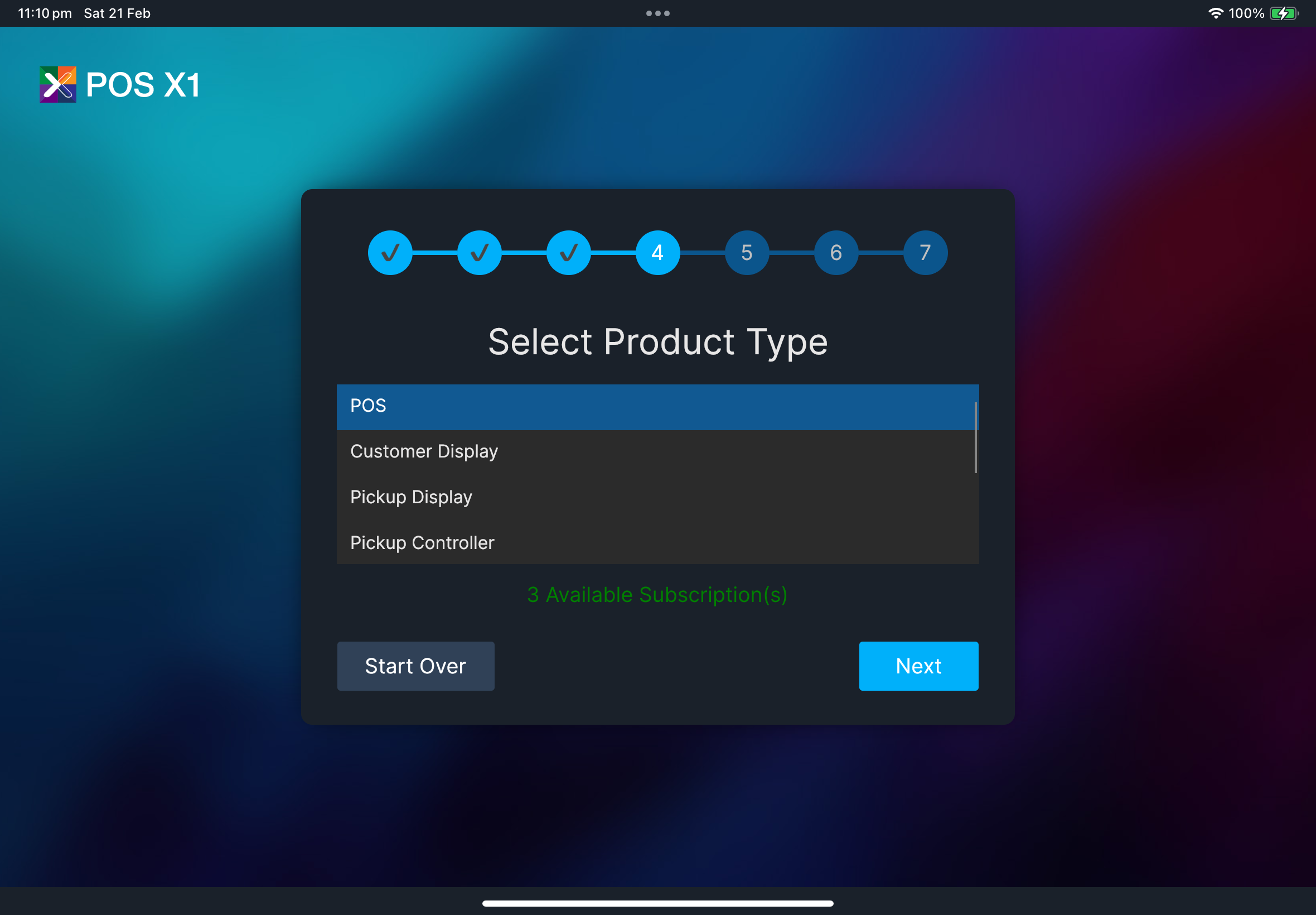
After setup
- No sync prompt
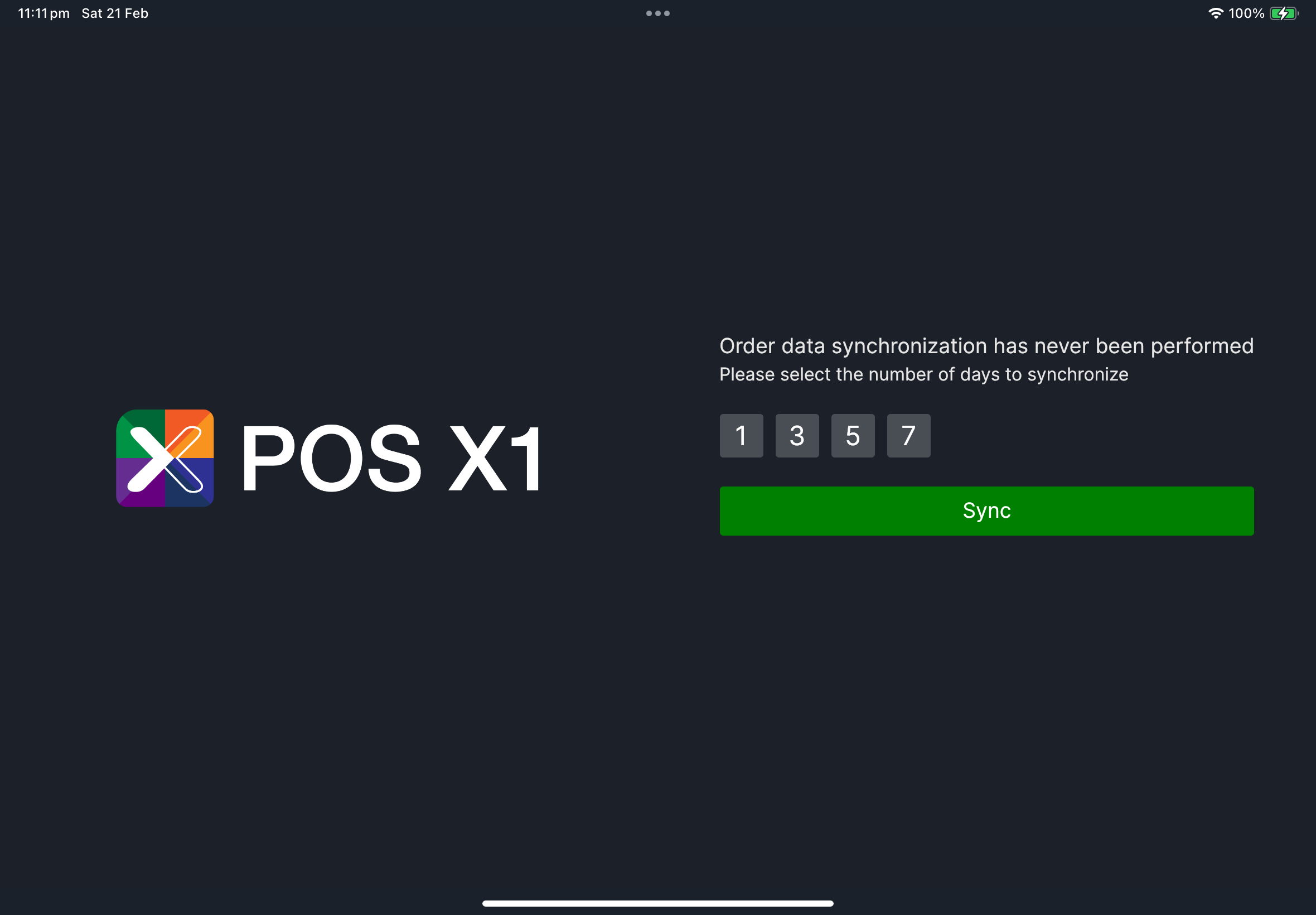
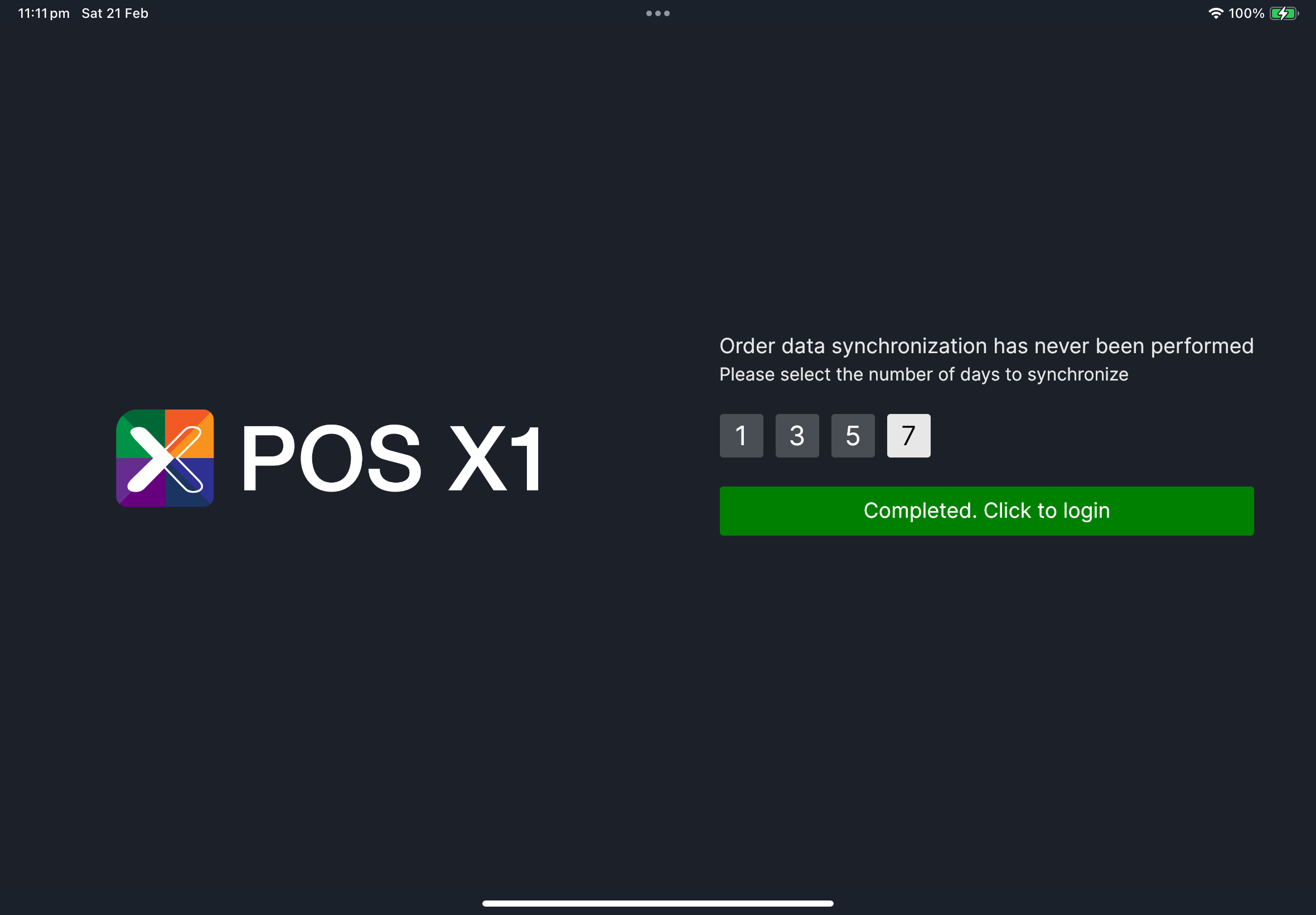
- Sync prompt appears
- Terminal returns to normal login flow.
- Staff can sign in and start shift.
- Select sync days (
1,3,5, or7). - Tap
Sync. - After completion, tap the green completion button to continue.
If something goes wrong
No Available SubscriptionStop setup. Ask manager/admin to verify the shop subscription in HQ before you continue. They should check whether the shop has an available X1 POS seat, whether an old terminal still occupies the seat, or whether a recently deleted POS shop profile released its seat correctly. When reporting the issue, share this screen so they can see the exact setup state.
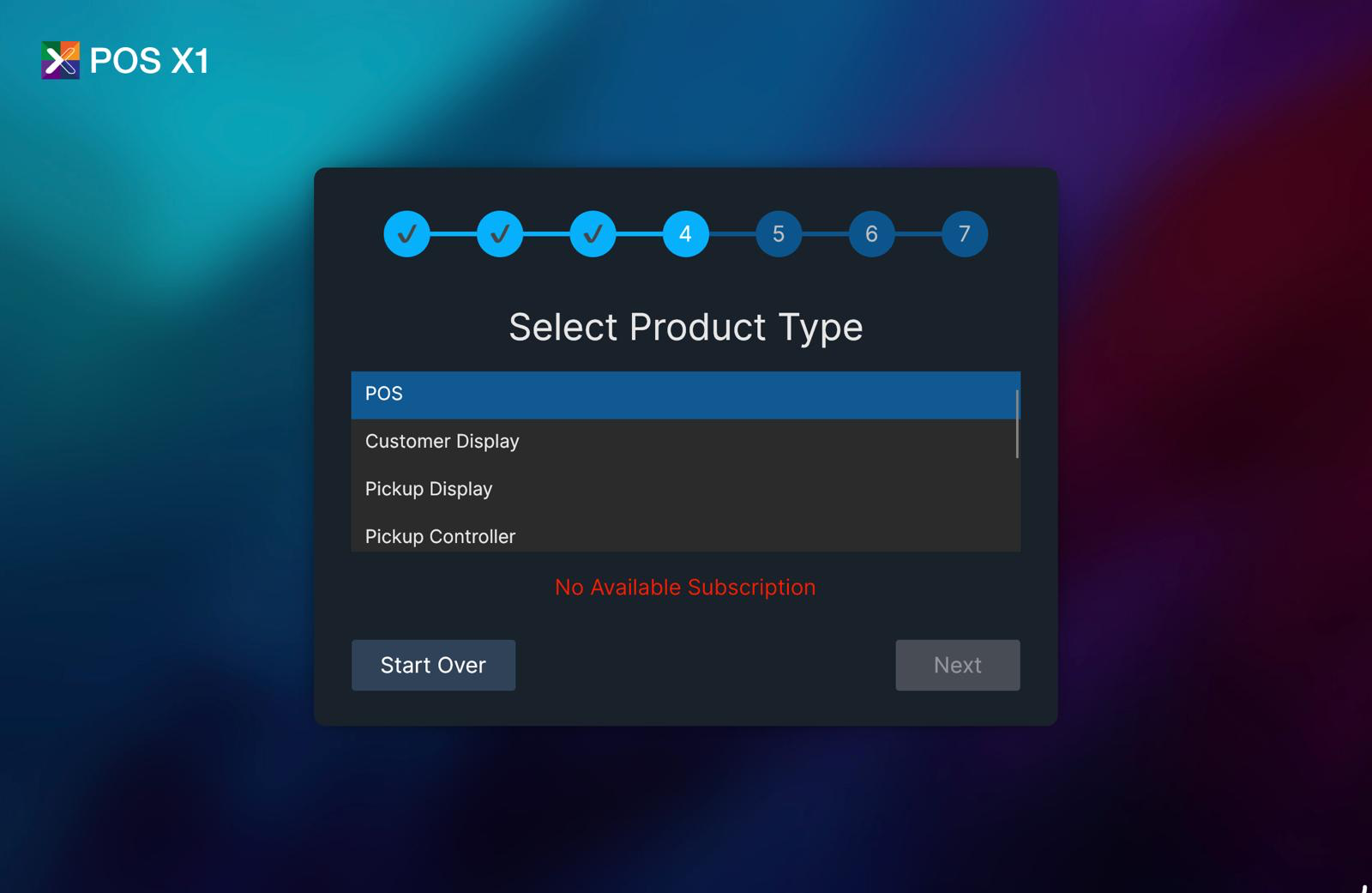
This screen shows that the selected shop does not currently have an available subscription for the POS setup.
Login with HQCheck HQ credentials and internet connectivity, then retry.
Go back to Select language, choose the language again, and continue.
Use Retry only when a setup item fails. Use Reset only if you need full restart.
When to ask manager/admin
- HQ account or shop assignment is incorrect
- You see
No Available Subscription - Setup cannot complete after a clean retry